
Finance & Accounting
Comparison price $15.00$9.99 33% off
↗

Preview is illustrative with fictional sample data. Open the downloaded workbook in desktop Microsoft Excel for the full, live version.
Financial Advisor Client Practice Dashboard
- ▤ XLSX
- ↓ Instant download
Track client reviews, assets under management, retention and onboarding with an Excel workbook for a financial advisory practice.
Watch the video
Preview the Dashboard and Client practice worksheets with sample data.
This public video is a demonstration. Your paid files are delivered after payment.
You may also like
Browse the shop ↗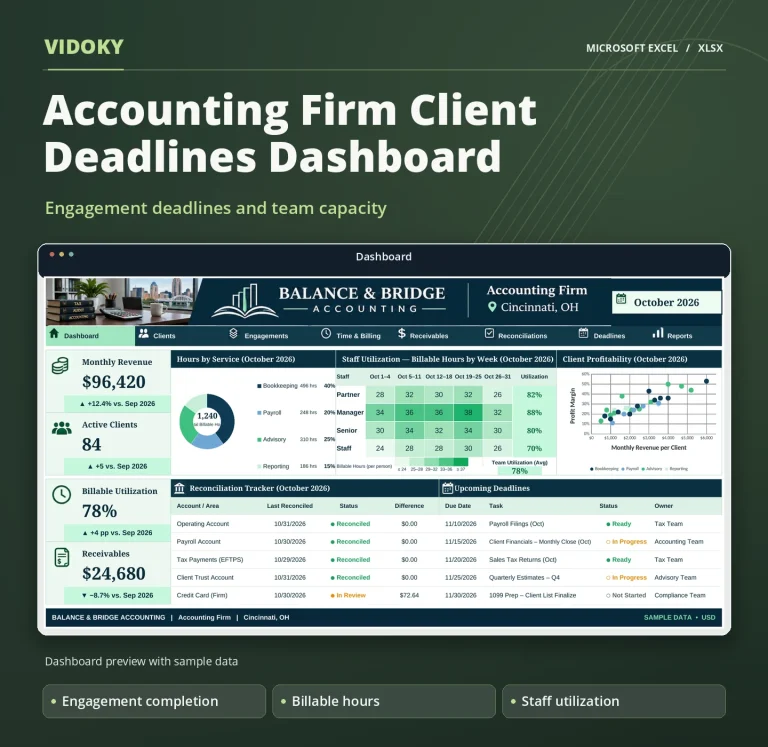
Finance & Accounting
Comparison price $15.00$9.99 33% off
↗
Accounting Firm Client Deadlines Dashboard
Finance & Accounting
Comparison price $15.00$9.99 33% off
↗
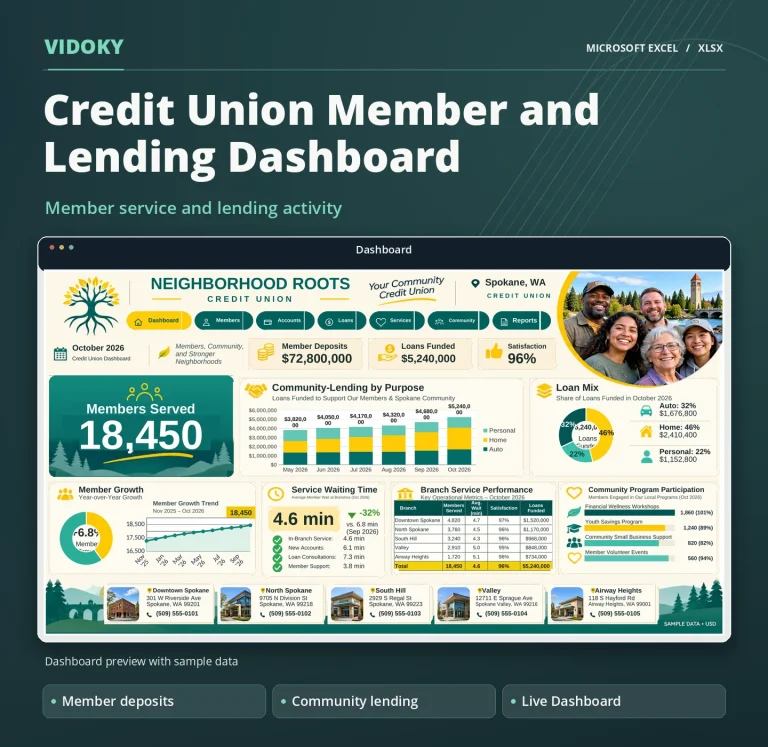
Credit Union Member and Lending Dashboard
What’s included
- One editable Excel workbook (.xlsx)
- Dashboard, Client practice and related worksheets
The Financial Advisor Client Practice Dashboard is an Excel workbook for an advisory office that wants to review client service activity and the business behind it. The dashboard includes an assets-under-management view, an illustrative aggregate allocation and an onboarding stage view. The Client practice worksheet lets you record review meetings and retention measures in a structured way so that the team has something concrete to discuss at a monthly practice meeting.
See which client reviews are due and complete
In Client practice, enter review meetings due and reviews completed for a defined date and workstream. Use the reference and owner columns to record who knows the details behind a total. The review completion calculation is based on the two counts. Choose a consistent approach for reviews that cross reporting periods so a rescheduled meeting appears in the records at the intended time.
Use status to make the follow-up clear. You can bring the group's next meeting into Appointments or enter a task for preparation such as checking whether the review notes are ready. If an owner handles more than one workstream, keep the rows separate when that makes the date or count easier to explain. Use a group reference your office can trace to the appropriate internal records.
Explore onboarding and retention
The dashboard's onboarding area gives you a visual way to review steps involved in bringing new households into the practice. Its aggregate allocation panel illustrates how the categories fit together. Dashboard Data has the example inputs and information about related tabs. Use it to understand how the supplied workbook forms its views before using the report for a client service discussion.
Client practice also has fields for opening client assets and retained client assets. Define the period and the group you will use for both values, then review the calculated asset retention rate with the underlying totals in sight. For example, a review meeting may flag a change in one group of households. Compare the service activity in that group's records with the opening and retained asset figures. Then record the process follow-up the team can actually handle, such as verifying the source of a figure or scheduling remaining reviews.
Manage the work behind the practice dashboard
Use Appointments, Customers, Tasks and Calendar when you need to organize ongoing client service activity. Projects can hold work that takes more than one appointment, such as preparing a review cycle or revising the practice's internal process. Use Sales and Expenses where your practice records the earnings and costs it wants to include in its workbook reporting. Reports and Profit & Loss provide views you can read alongside the client practice and onboarding figures.
When a scheduled review has moved, check the appointment and the Client practice group together. Confirm the expected next action with the person who owns the relationship.
Open the customer XLSX in desktop Microsoft Excel and read Start Here. Inspect the supplied sample period before entering your own figures. Create a working copy, define the people responsible for each category and run through a practice review with one completed row. Verify the review count and asset retention inputs against the records you already use. The ZIP contains the complete spreadsheet with the dashboard, practice worksheet and office tabs for your own internal planning.
Reviews
5.0 out of 5 · 19 reviews
Miriam · United Kingdom
Handy dashboard!
Oliver · Philippines
Good pick for a monthly look at advisory clients.
Benjamin · Canada
The Financial Advisor Client Practice dashboard is a relevant choice when client schedules and practice workload need a regular review.
Isabella · France
This dashboard fits a routine check of client schedules and practice workload.
Leo · Norway
Relevant to Financial Advisor Client Practice and the day-to-day work behind advisory clients.