
Lavender Reverie Funeral Program Template
- ▤ PDF + DOC + PPTX
- ↓ Instant download
- ↻ Two-sided preview
Silk gallery cover with 28 replaceable photo positions across eight editable pages.
Watch the video
Watch the portrait, name, date and venue change in the editing demo.
This public video is a demonstration. Your paid files are delivered after payment.
You may also like
Browse the shop ↗

What’s included
- Eight-page US Letter print PDF
- 17 × 11 inch bifold print PDF
- Editable Word DOC
- Editable PowerPoint PPTX
- Fonts and editing guide
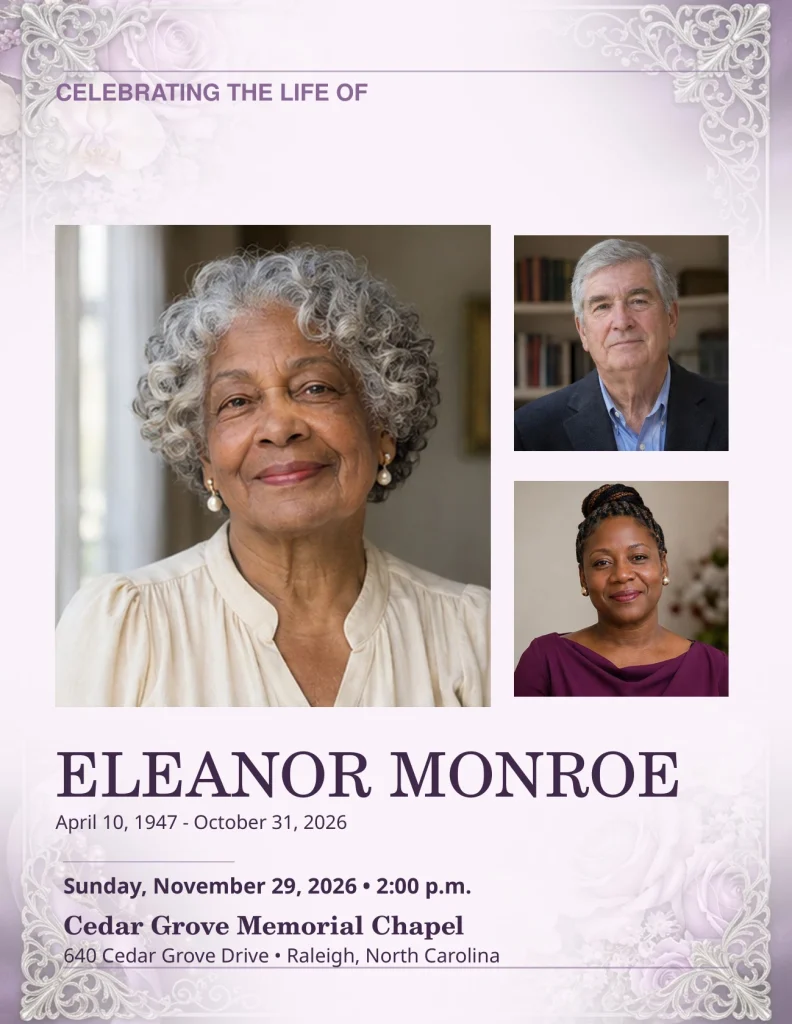
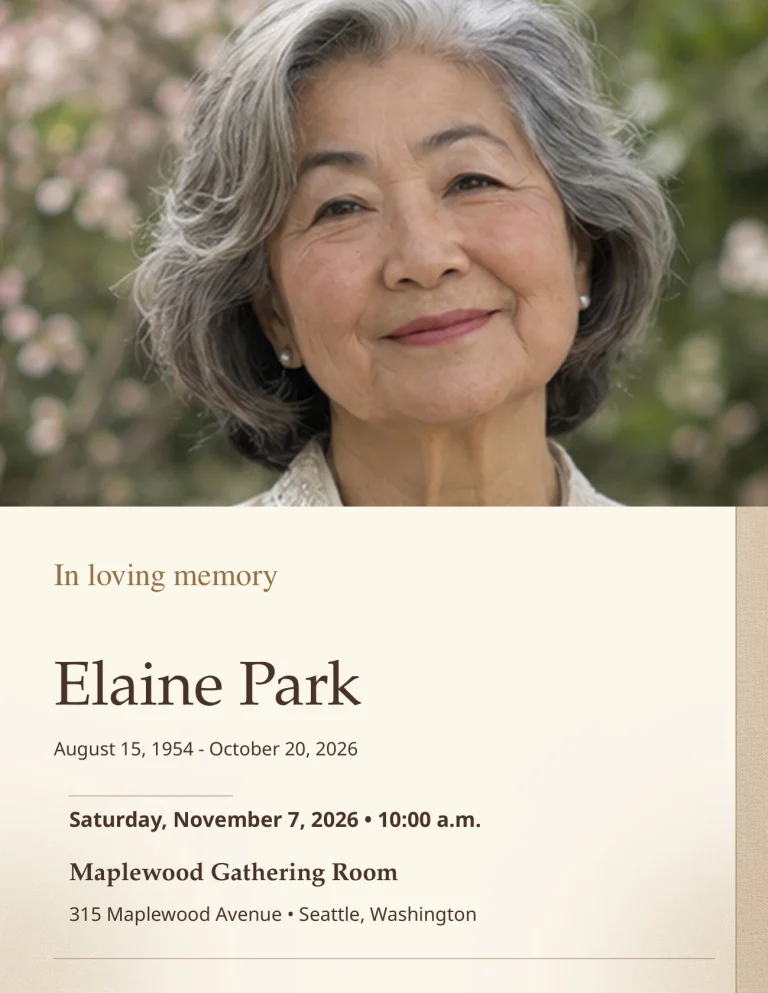
Lavender Reverie is an editable funeral program with eight US Letter pages and 28 separately replaceable photo positions. A large portrait is joined by two independently replaceable smaller pictures. The service details are grouped underneath the three-photo arrangement.
Personalize the cover
For Lavender Reverie, prepare the photograph and the information that guests will need in advance. The service details are placed below the main portrait, where the day, time, venue and address can be checked together. The name and life dates have separate editable lines. The sample wording and fictional pictures show how those details fit on the page. Review the face and the smaller details together so the photograph feels balanced at the final size.
Build the lavender photo sequence
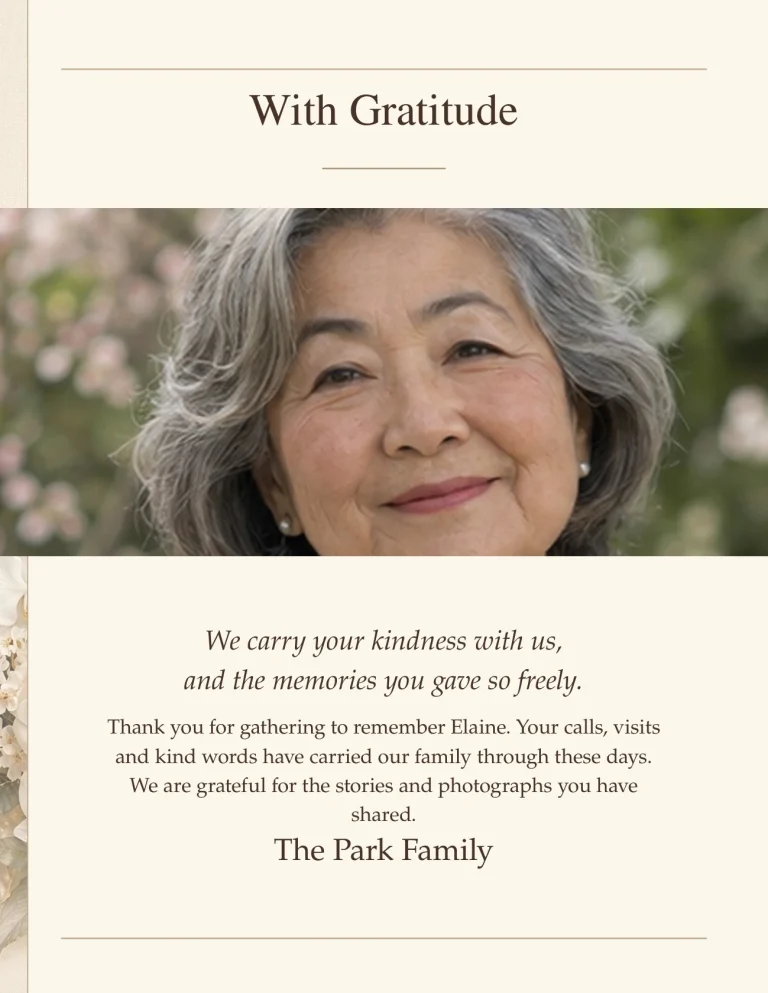
Choose three cover photos that work together at different sizes. The large spot is best for a clearly recognizable portrait. Use the two smaller photos for a detail or a different moment from the person’s life. A four-photo biography layout leads into a full grid, giving the family room to show earlier and later years together. Use the full-width memory photo for a group and the smaller spots for pictures that can be cropped more closely. The last page brings three separate photos together below the message of thanks.
Tell the life story
“A Life in Pictures” uses a four-photo gallery arrangement with 4 separate pictures. Replace the sample biography with the story approved by the family. A short opening can introduce the person, while a few concrete memories help the page read naturally. Use the photograph that best matches the story in the largest slot and give smaller photographs their own crops.
Build the photo pages
“Pictures We Cherish” and “Through the Years” are full pages of pictures with different tile sizes. “The People She Loved” has another set of independently editable photo objects, and “Family Tributes” pairs photographs with short, editable messages. Use these pages for favorite moments across different stages of life. Select and replace one picture at a time. Check who appears at the edges of group photos before you move to the next page.
Prepare the order of service
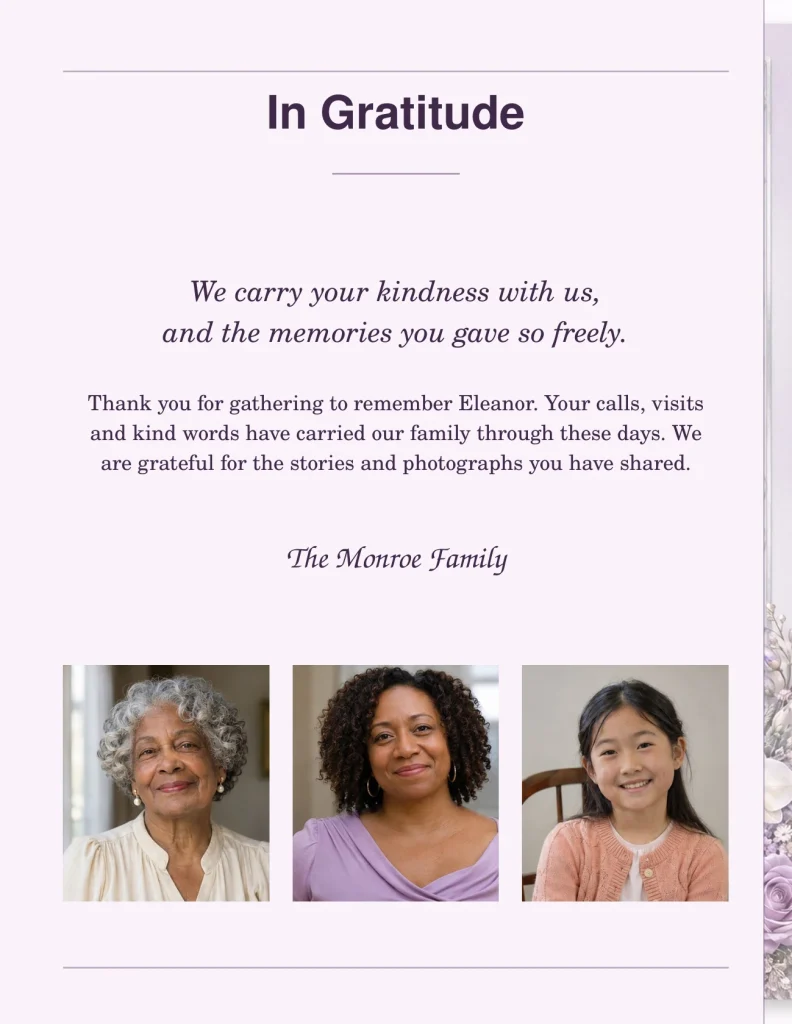
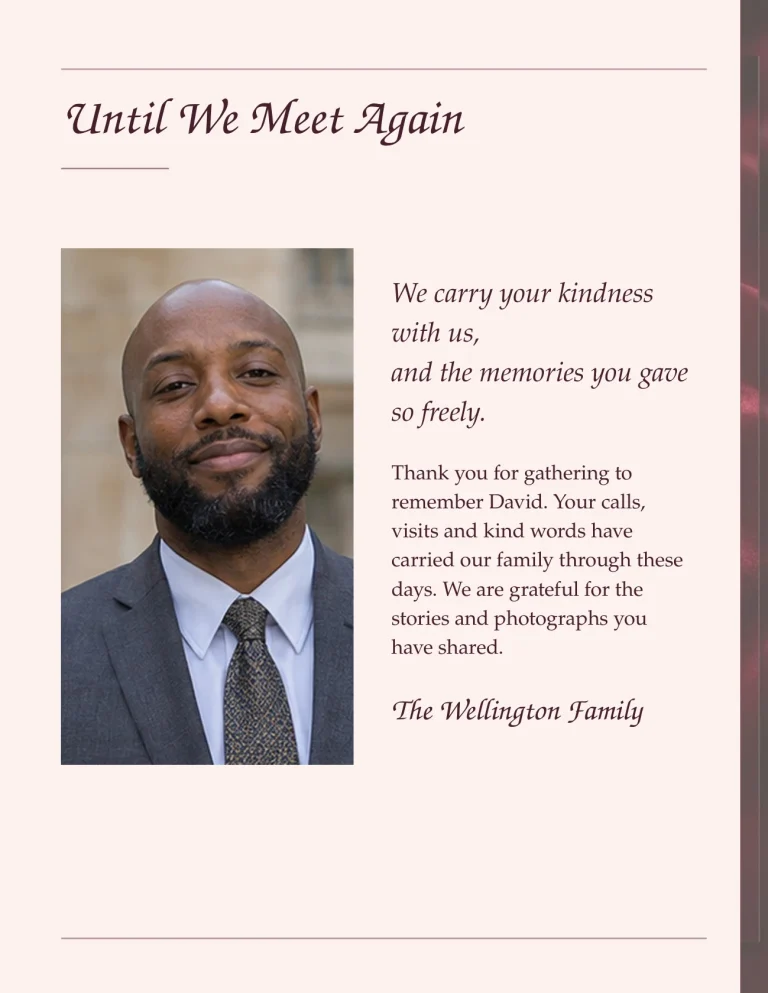
“Order of Service” uses a centered traditional order so the ceremony is easy to follow. Enter the confirmed times and wording for readings, music or remarks. “In Gratitude” uses three photos across the lower page and gives the family space for a closing message and signature. Review the order of events with the person leading the service and carry the same wording into the cover.
Review a photograph from an album
An older photo can work well if the face stays clear at the final size. Scan or photograph the print in even light and check that details around the face are visible. Keep the original photograph separately so a different crop can be made if needed. Review the contrast between the photo and the adjoining text before sending the notice.
Follow the editing demo
The included listing video shows a sample portrait being selected and replaced. The name, date and venue are updated on screen, and the finished edit is saved as a separate PowerPoint copy. Follow the same sequence with your own photograph and event information. The DOC gives you a Word version of the layout with editable text and selectable pictures.
Files and printing
The ZIP includes the editable Word DOC and PowerPoint PPTX, an eight-page US Letter PDF and a separate 17 × 11 inch bifold PDF. The folded print file is arranged across four printed sides for two sheets. Print at actual size with short-edge duplex, then nest the sheets and fold them together. After editing your program, export a personalized PDF and keep the same page order when preparing the print copy.
Reviews
4.9 out of 5 · 7 reviews
The Lavender Reverie look suits a thoughtful funeral program.
A keepsake from the memorial service would work well with the Lavender Reverie design.
Lavender Reverie is a thoughtful theme for a service with a tribute and a closing reading.
The Lavender Reverie theme is a dignified option for a memorial gathering. The date and venue could accompany the order of the service.
Lavender Reverie is a dignified theme for a program with a short remembrance.