
Champagne Keepsake Funeral Program Template
- ▤ PDF + DOC + PPTX
- ↓ Instant download
- ↻ Two-sided preview
Portrait across the page cover with 22 replaceable photo positions across eight editable pages.
Watch the video
Watch the portrait, name, date and venue change in the editing demo.
This public video is a demonstration. Your paid files are delivered after payment.
You may also like
Browse the shop ↗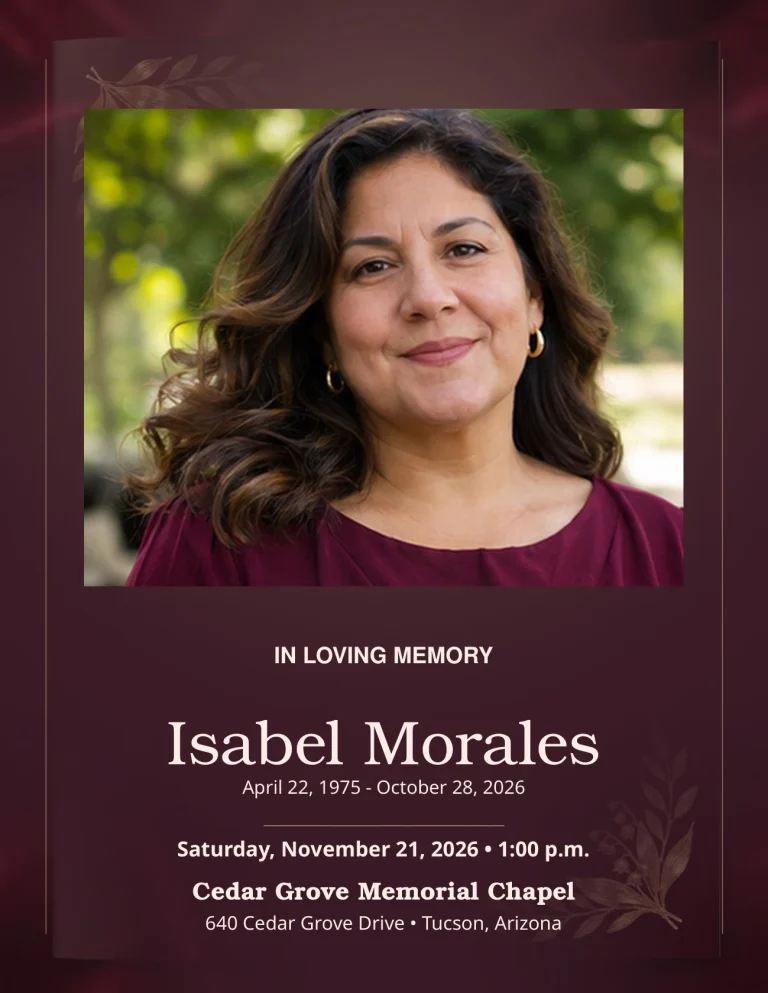

What’s included
- Eight-page US Letter print PDF
- 17 × 11 inch bifold print PDF
- Editable Word DOC
- Editable PowerPoint PPTX
- Fonts and editing guide
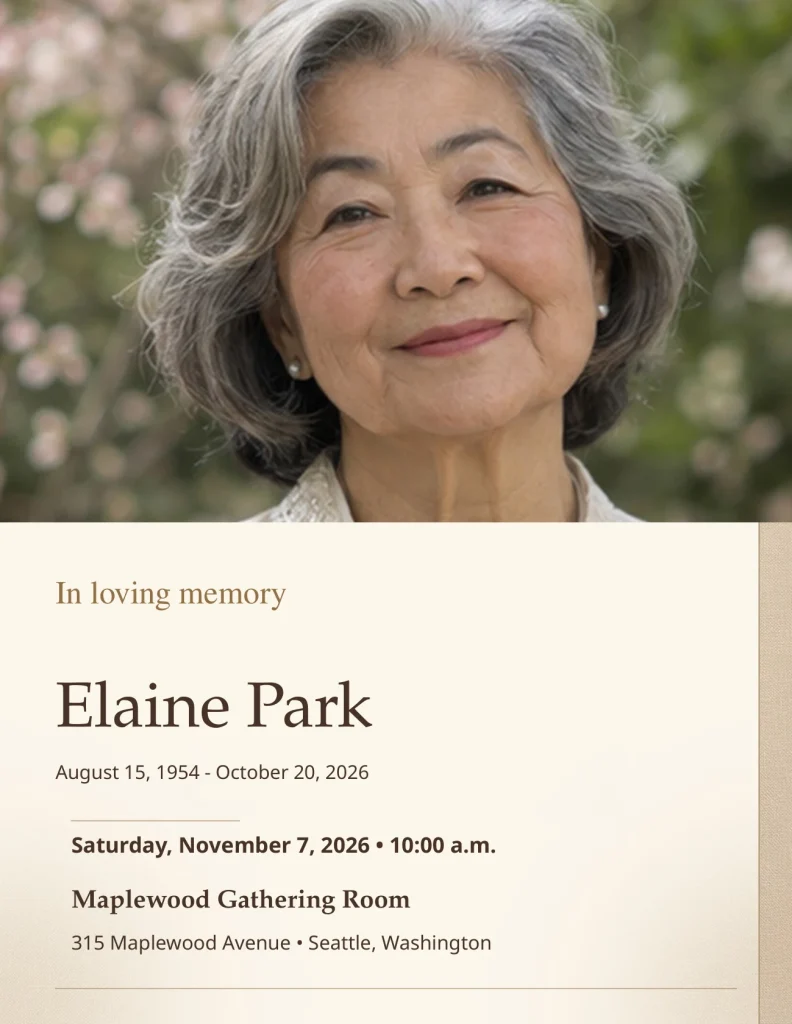
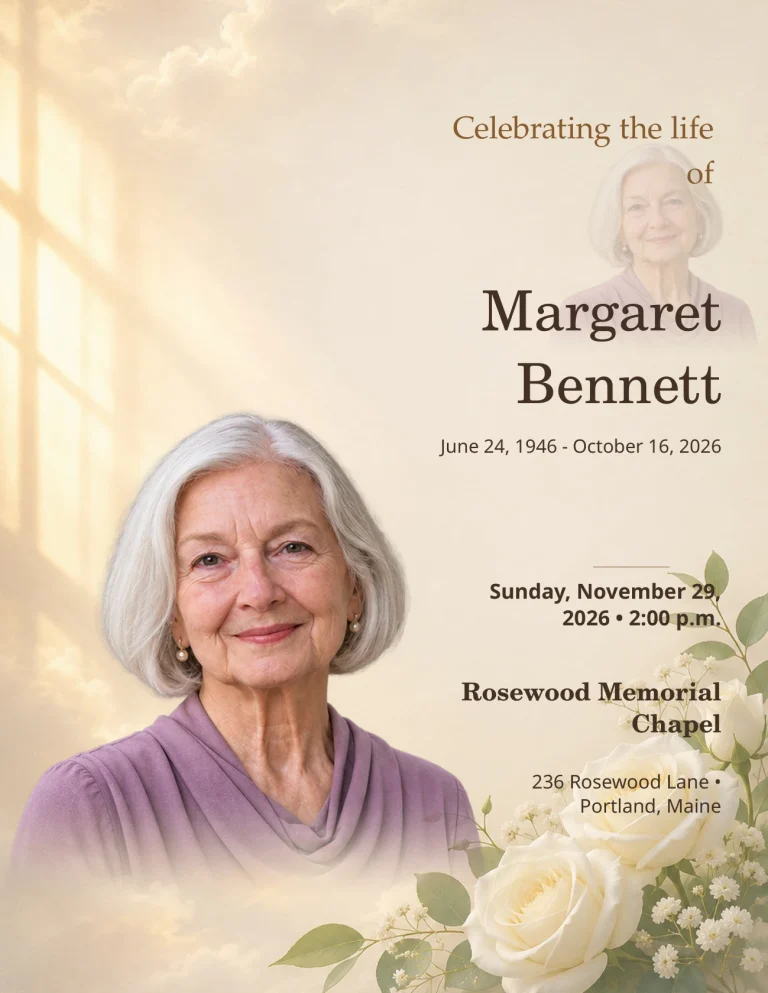
Champagne Keepsake is an editable funeral program with eight US Letter pages and 22 separately replaceable photo positions. A broad photograph fills the upper part of the design. The name, life dates and service information read together below it on a quiet color field.
Personalize the cover
For Champagne Keepsake, prepare the photograph and the information that guests will need in advance. The service details are placed below the main portrait, where the day, time, venue and address can be checked together. The name and life dates have separate editable lines. The sample wording and fictional pictures show how those details fit on the page. The main picture uses much of the width, so choose an image that will read clearly in a large crop.
Choose a broad cover photograph
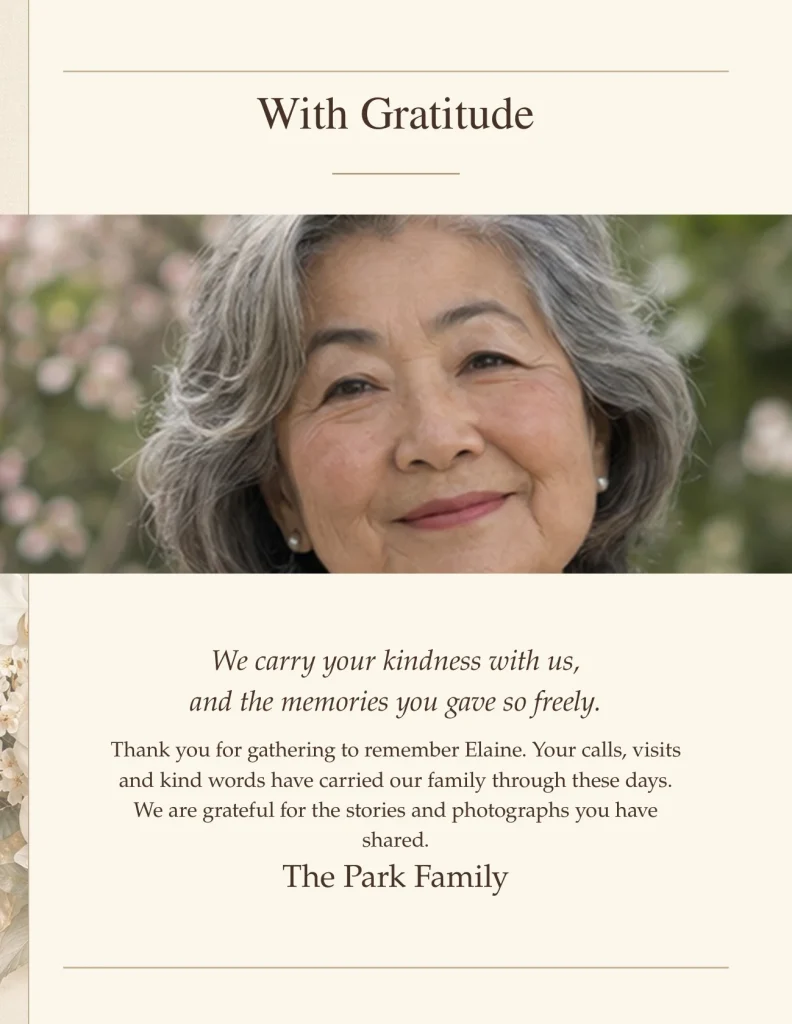
The wide cover photo works with a portrait that has enough room on either side of the person, or with a group arranged close together. Keep important faces away from the top and side edges. The life story combines two upper photographs with a narrower photo alongside the wording, so choose one picture that can be cropped vertically. Shorter text gives the three images enough room. The broad closing photo leaves a dedicated area below for the family’s thanks. Try a landscape photo of a meaningful place if the family wants a quieter ending.
Tell the life story
“Remembering a Life” uses a horizontal photo gallery arrangement with 3 separate pictures. Replace the sample biography with the story approved by the family. A short opening can introduce the person, while a few concrete memories help the page read naturally. Use the photograph that best matches the story in the largest slot and give smaller photographs their own crops.
Build the photo pages
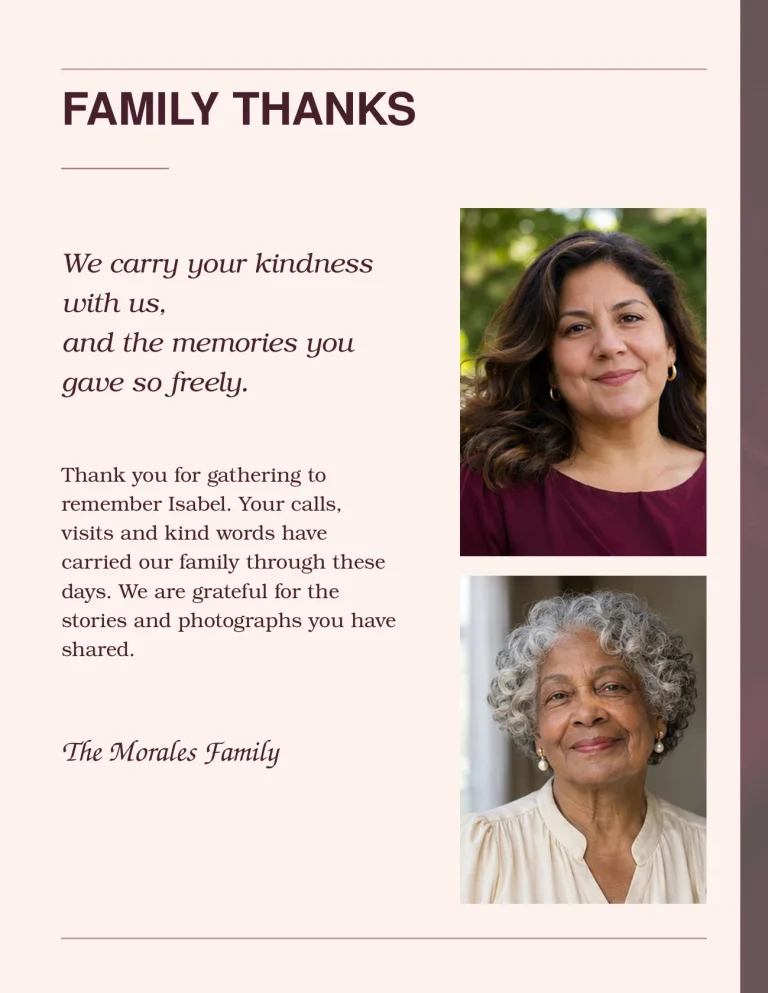
“Looking Back” and “Scenes from a Life” are full pages of pictures with different tile sizes. “The People They Loved” has another set of independently editable photo objects, and “A Few Memories” pairs photographs with short, editable messages. Use these pages for favorite moments across different stages of life. Select and replace one picture at a time. Check who appears at the edges of group photos before you move to the next page.
Prepare the order of service
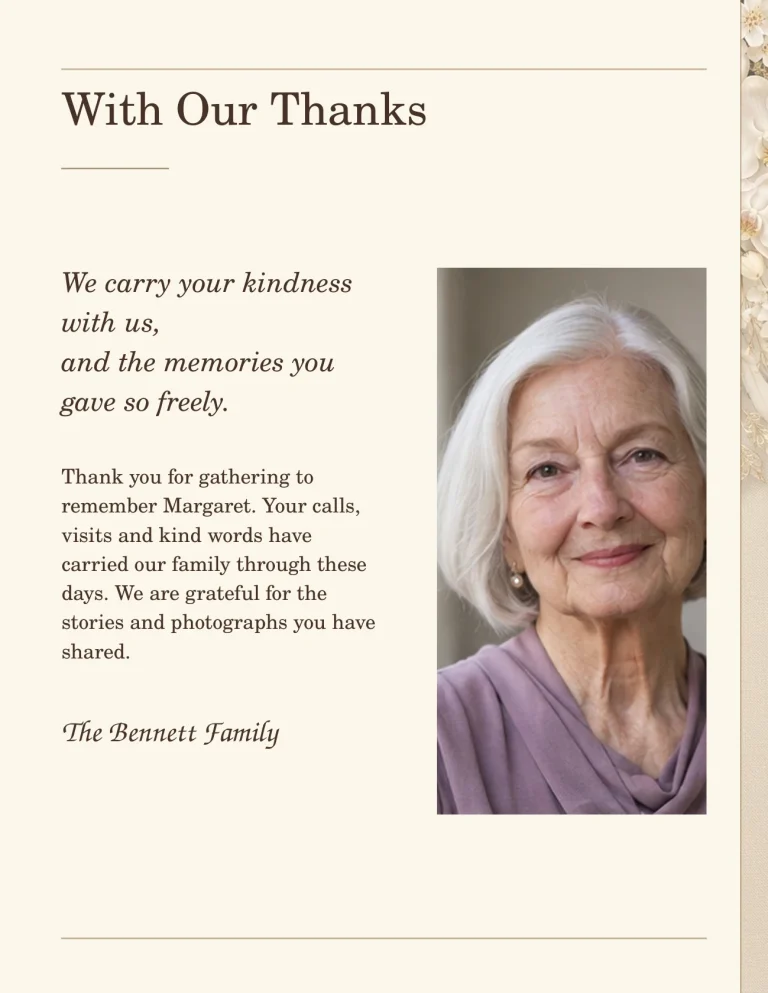
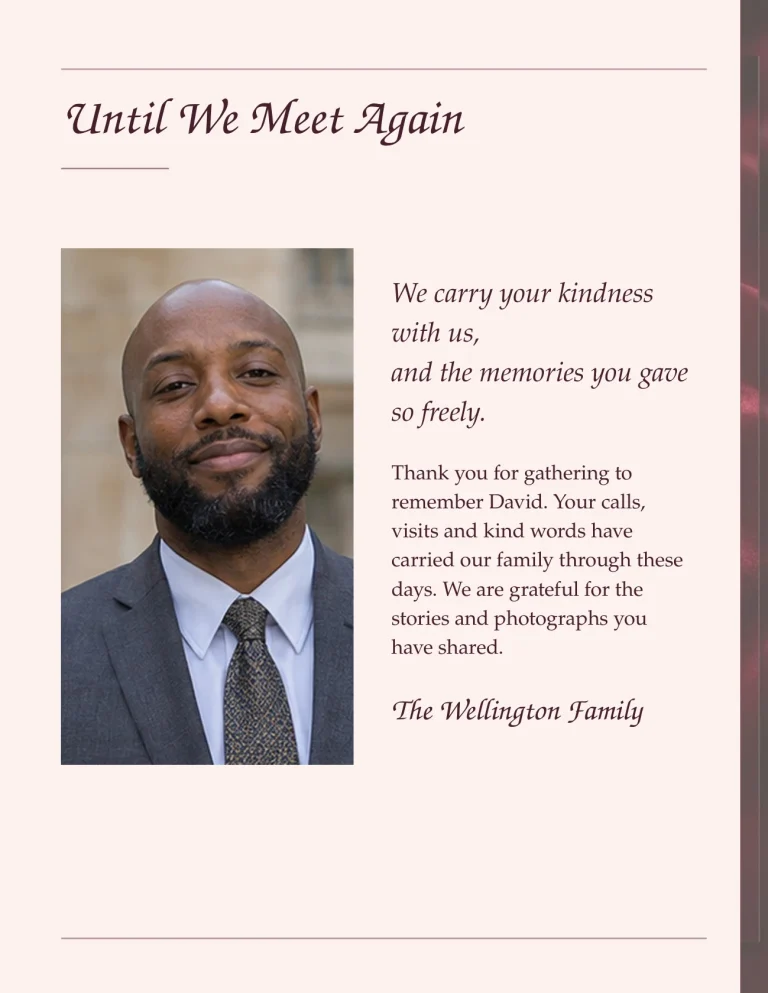
“Order of Service” uses two columns under the service date so the ceremony is easy to follow. Enter the confirmed times and wording for readings, music or remarks. “With Gratitude” uses full-width farewell photograph and gives the family space for a closing message and signature. Review the order of events with the person leading the service and carry the same wording into the cover.
Choose a clear portrait
A sharp photograph in even light is a good starting point. Decide which part of the clothing and shoulders you want to keep visible before cropping. Inspect the face in the full page view and again at the size the finished card will be seen. The eye line and the edges of the picture should still look natural after the image is fitted.
Keep a copy you can revise
Make a working copy of the editable template and replace the sample name and dates with the family’s wording. Use a separate text area for each service detail. Check the position of the image after replacing it and make a print copy from the revised file. Keeping the working file makes it easier to accommodate a correction before the event.
Files and printing
The ZIP includes the editable Word DOC and PowerPoint PPTX, an eight-page US Letter PDF and a separate 17 × 11 inch bifold PDF. The folded print file is arranged across four printed sides for two sheets. Print at actual size with short-edge duplex, then nest the sheets and fold them together. After editing your program, export a personalized PDF and keep the same page order when preparing the print copy.
Reviews
5.0 out of 5 · 18 reviews
Champagne Keepsake is a dignified theme for a funeral program centred on the service details.
A keepsake from the memorial service would work well with the Champagne Keepsake design.
Champagne Keepsake is a thoughtful theme for a funeral program centred on the service details.
Champagne Keepsake suits a service program with readings and music. List the readings and music in the order they will happen.
Champagne Keepsake suits a program with a short remembrance. A personal dedication would make the program more meaningful to keep.