
Legal & Professional Services
Comparison price $15.00$9.99 33% off
↗
Preview is illustrative with fictional sample data. Open the downloaded workbook in desktop Microsoft Excel for the full, live version.
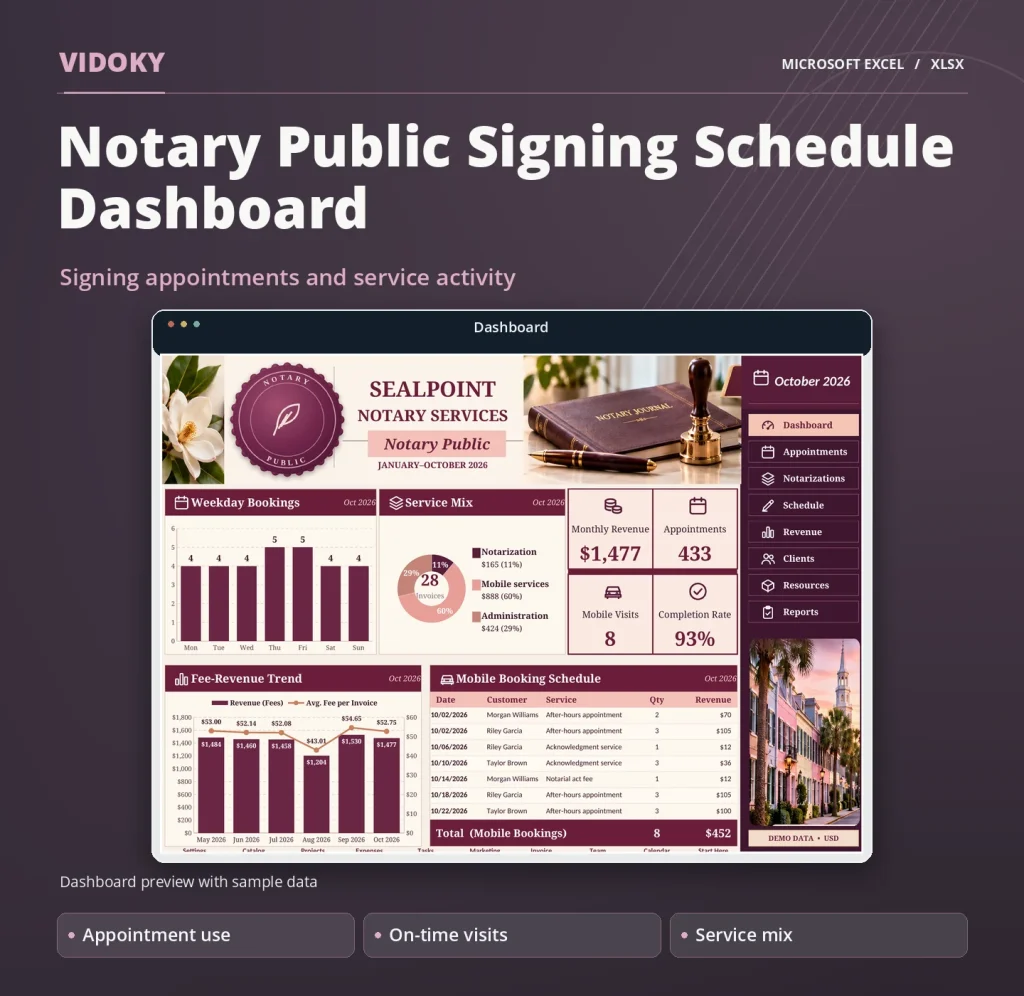
Notary Public Signing Schedule Dashboard
- ▤ XLSX
- ↓ Instant download
Track notary appointments, signing availability, on-time visits, service mix and revenue with an Excel workbook for notary operations.
Watch the video
Preview the Dashboard and Signing schedule worksheets with sample data.
This public video is a demonstration. Your paid files are delivered after payment.
You may also like
Browse the shop ↗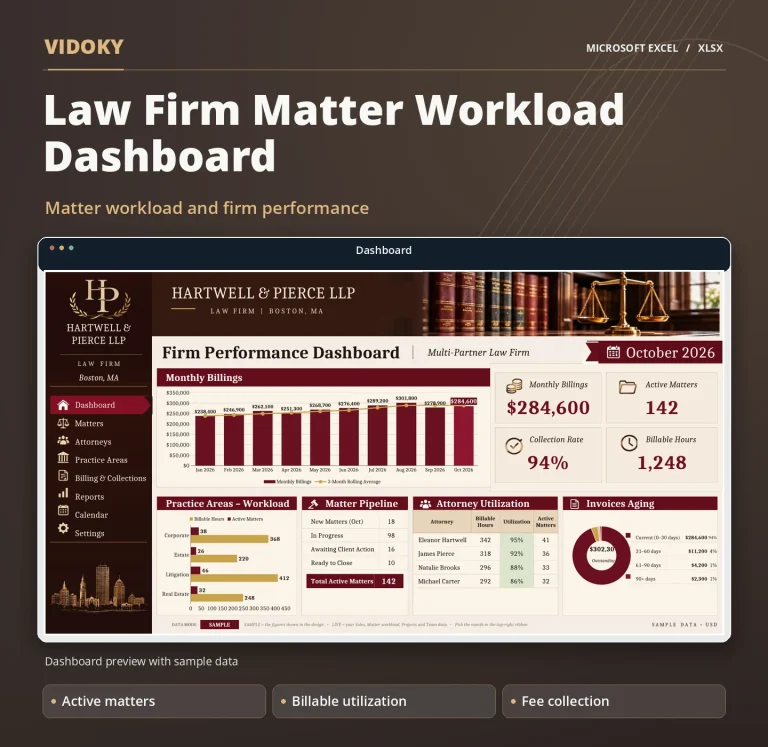
Legal & Professional Services
Comparison price $15.00$9.99 33% off
↗
Law Firm Matter Workload Dashboard

Real Estate & Property
Comparison price $15.00$9.99 33% off
↗
Title Company Closing and Escrow Dashboard
What’s included
- One editable Excel workbook (.xlsx)
- Dashboard, Signing schedule and related worksheets
Keep signing appointments, completed visits and office activity visible in an Excel workbook for notary operations. The Notary Public Signing Schedule Dashboard gives a notary or small signing team a place to review monthly bookings, service mix, revenue and appointments. The dedicated Signing schedule sheet captures the appointment counts and visit activity that make the dashboard useful for planning a working week.
Record available slots and completed work
Use Signing schedule to enter appointments available and appointments completed for a defined date or workstream. There are also fields for visits scheduled and visits on time, plus reference, owner and status. Keep the underlying appointment and visit groups comparable as you enter figures. The workbook includes calculations for appointment utilization and on-time visits, so the related counts need to refer to the same group and period.
Define how your business handles rescheduled or cancelled appointments. Keep that convention in mind when adding rows so an increase in available slots or a change in completed visits has a clear meaning. If you offer mobile and office appointments, use useful service or workstream labels to make those patterns easier to see. A short reference can help you locate an appointment record later when an unusual figure needs checking.
Look at booked days and service activity
The Dashboard includes Weekday Bookings, Service Mix, Monthly Revenue and Appointments areas. Use the example to see how those views fit together and inspect the Dash Data tab for the inputs behind the design. Check the selected reporting period before comparing two weeks or two months. The volume of visits and the services requested can change at the same time, so view the appointment counts alongside the types of work completed.
For example, an especially busy weekday might have brought several mobile visits. Check the scheduled and on-time counts in Signing schedule, then open the related appointment dates to see how tightly the jobs were booked. Use the observations to plan the next day's appointments, define a clear follow-up task or record a note a team member will need when discussing a change in travel or preparation time.
Plan follow-up and payments
Use Appointments and Calendar to review your upcoming signing dates. Keep follow-up actions in Tasks and longer assignments in Projects. The Invoice and Customers sheets provide areas for the customer records and charges used in your office routine. Enter earned amounts and expenses in the workbook's financial sheets as appropriate, then use Reports or the monthly Profit & Loss view for the selected period.
For mobile appointments, review the service start times together with the visit status. Add a note for unusually long travel or document preparation when planning similar appointments for a later week.
Open the included XLSX in desktop Microsoft Excel and begin with Start Here. Look through a sample reporting month and the Signing schedule worksheet. Save a working copy, then try entering a handful of days with available slots, completed bookings and visit outcomes. Confirm that the utilization figure represents the scope you intended before adding the rest of your records. This download contains the editable workbook in a single ZIP for your signing and appointment workflow.
Reviews
4.9 out of 5 · 7 reviews
Grace · Netherlands
A practical dashboard option for notary signings. It makes sense to plan a month-end check around appointments and signing schedules.
Benjamin · Canada
Notary Public Signing Schedule has a clear use case here, especially for notary signings.
Grace · Singapore
Appointments and signing schedules make a good focus for this dashboard.
Leah · Germany
Very useful!
Theo · France
Relevant to Notary Public Signing Schedule and the day-to-day work behind notary signings.