

Funeral Announcements
Comparison price $4.13$2.99 27% off
↗
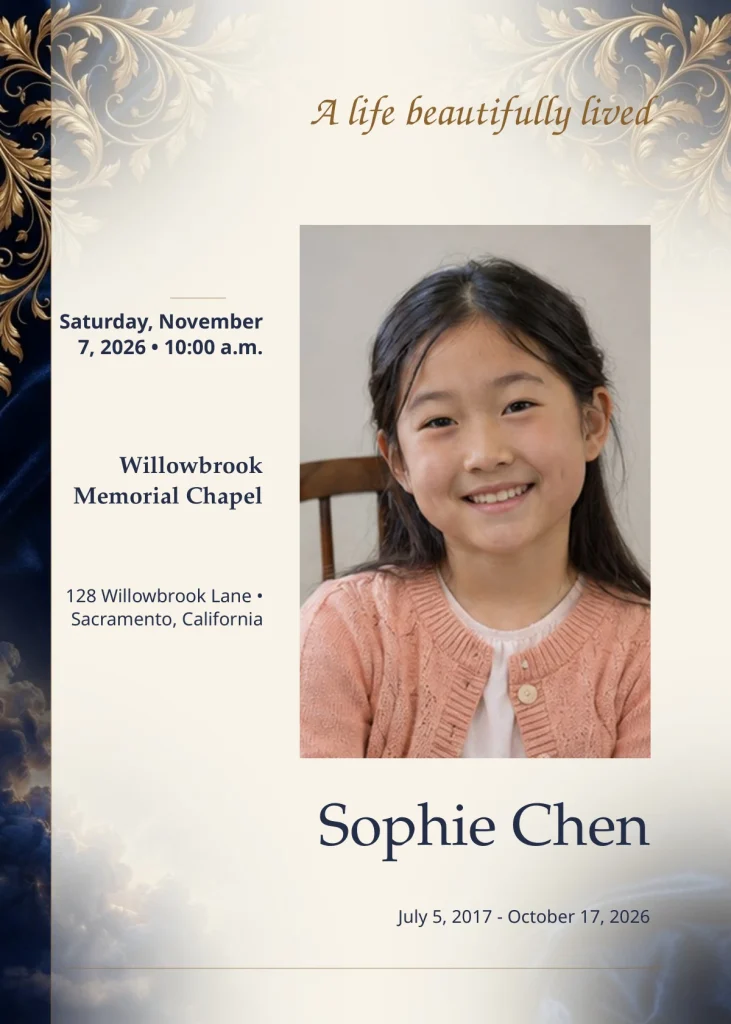
Preview shows both sides of the card with sample wording. Replace the names, dates and text in the editable files.
Midnight Gilded Rays Funeral Announcement Template
- ▤ PDF + DOC + PPTX
- ↓ Instant download
A single stem layout with editable service details in the Midnight Gilded Rays design.
Watch the video
Watch the portrait, name, date and venue change in the editing demo.
This public video is a demonstration. Your paid files are delivered after payment.
You may also like
Browse the shop ↗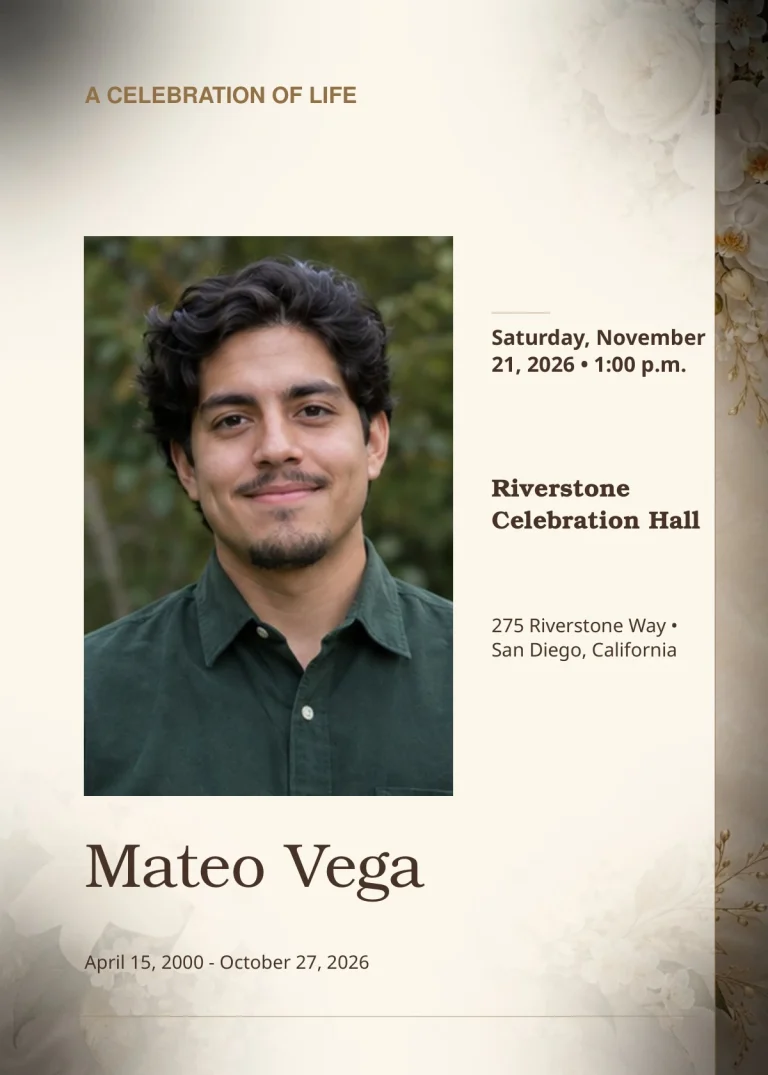
Funeral Announcements
Comparison price $4.04$2.99 25% off
↗
Warm Ivory Light Funeral Announcement Template
Funeral Announcements
Comparison price $3.95$2.99 24% off
↗
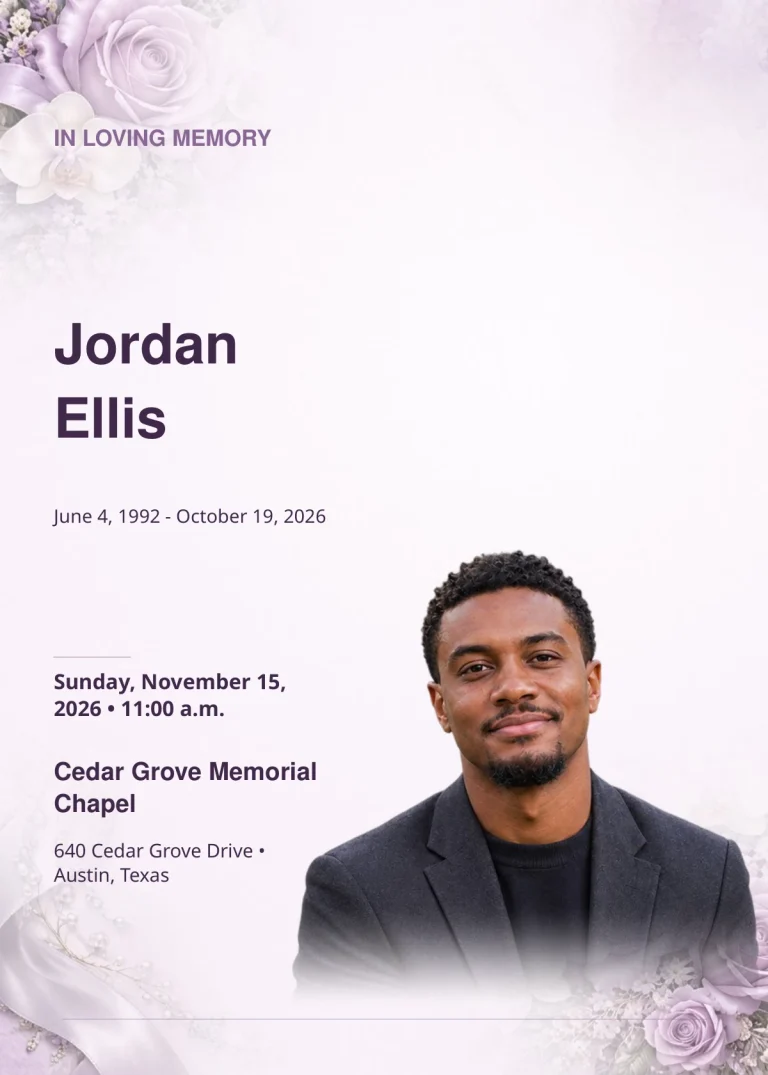
Lavender Remembrance Funeral Announcement Template
What’s included
- 5 × 7 inch print PDF
- Editable Word DOC
- Editable PowerPoint PPTX
- Fonts and editing guide
Midnight Gilded Rays is an editable 5 × 7 inch funeral announcement for a memorial service or celebration of life. A tall portrait sits next to the ceremony text, and the name spans a wider area below. Edge ornament gives the paper a quiet botanical accent. The picture and type are balanced from the opposite edge in this edition.
Photo and service layout
For Midnight Gilded Rays, prepare the photograph and the information that guests will need in advance. The service details are placed beside the portrait, where the day, time, venue and address can be checked together. The name and life dates have separate editable lines. The sample wording and fictional pictures show how those details fit on the page. Review the face and the smaller details together so the photograph feels balanced at the final size.
Review the family details
Gather the preferred spelling of the full name and the wording for the birth and death dates in one place before editing. Ask the person coordinating the service to confirm the venue, time and address. When there are several people reviewing, send one proof of the current version and collect the corrections together. This makes it easier to keep the photo and wording in sync before the announcement is shared with a wider group.
Use the finished picture area
Select the photo as its own object and replace it in desktop Word or PowerPoint. Check the crop after inserting your image. A close portrait and a group photograph can need different treatment, especially when several faces are near the edge. Adjust the visible part of the image first, then read the full card to see how it fits with the ceremony information.
Personalize the wording and image
Use the Word or PowerPoint template to edit each field. The heading, full name, life dates, event time, venue and address have separate editable areas. This gives you room to adjust one line when a name or location is longer than the sample. The demonstration walks through changing the photo and entering the new wording, then saving a copy.
Files in the download
This download gives you the same one-page design in Word DOC, PowerPoint PPTX and a PDF prepared for printing. The editable files contain separate wording and picture elements. The included typefaces and guide help you open the layout and replace the sample information. Start from the file that matches your editing application, then export the personalized announcement when the photo and service details are ready.
Use one approved copy
Export the personalized announcement after the family has reviewed the name, photograph and ceremony details. Check whether the street address and city are sufficient for guests unfamiliar with the venue. The printed and shared copies can come from the same PDF. Keep your revised Word or PowerPoint file so a later change can be made in one place.
Review the personalized design
Use the Midnight Gilded Rays gallery image as a reference while you review the edited file. Compare the picture and wording at full size, then look at a small proof to confirm that the name and service location are still easy to read. Make final changes in the editable file before exporting the version you intend to share.
Reviews
4.9 out of 5 · 11 reviews
Isaac · Ireland
Midnight Gilded Rays suits a calm memorial announcement. For a memorial gathering, a concise notice could carry the key information.
Kevin · Sweden
Midnight Gilded Rays is a thoughtful theme for a calm memorial announcement.
Lucas · New Zealand
Midnight Gilded Rays is a thoughtful theme for a notice with a short remembrance.
Gabriel · India
A family announcement with practical service information would work well with the Midnight Gilded Rays design.
Zara · Switzerland
The Midnight Gilded Rays theme is a thoughtful option for a calm memorial announcement. Practical details can sit alongside a short tribute.