
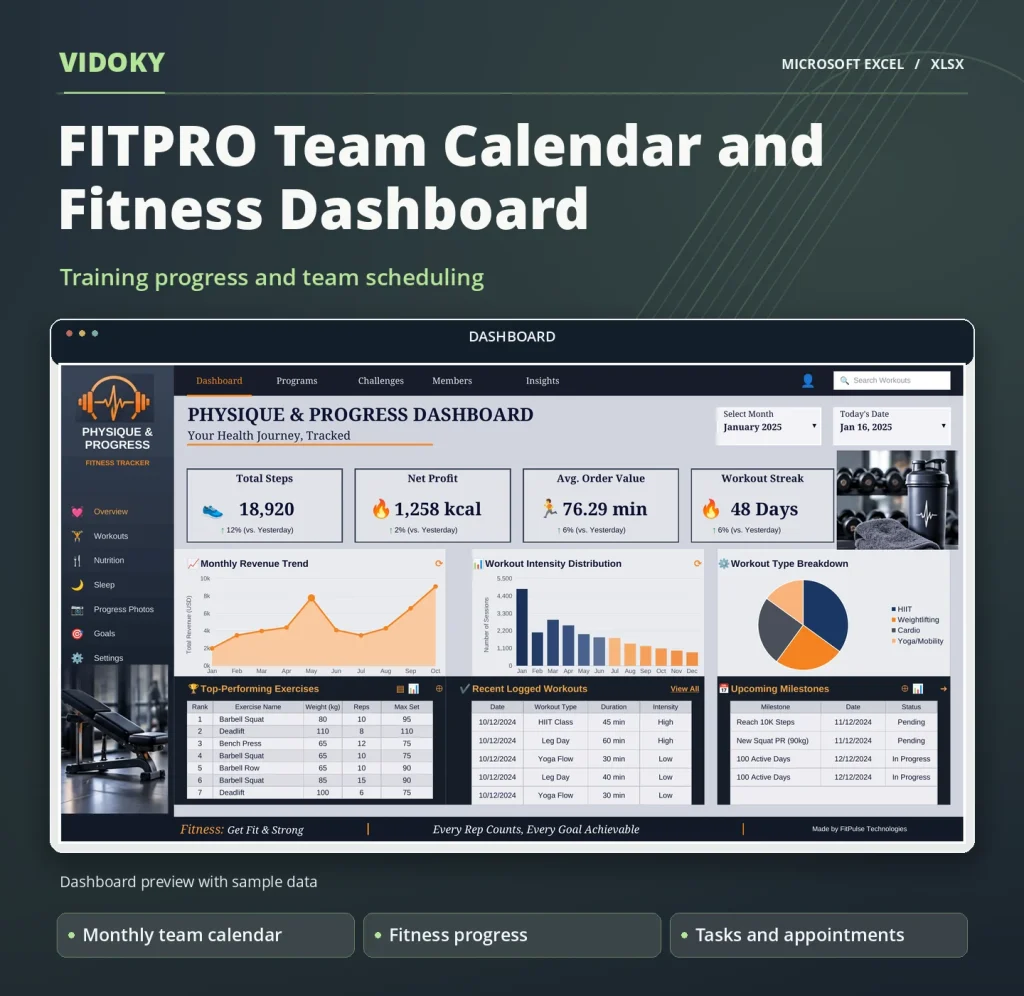
FITPRO Team Calendar and Fitness Dashboard
- ▤ XLSX
- ↓ Instant download
Plan team tasks, appointments and project dates alongside a fitness progress dashboard, monthly calendar and in-workbook reminders.
Watch the video
Preview the DASHBOARD and MONTHLY CALENDAR worksheets with sample data.
This public video is a demonstration. Your paid files are delivered after payment.
You may also like
Browse the shop ↗

Title Company Closing and Escrow Dashboard
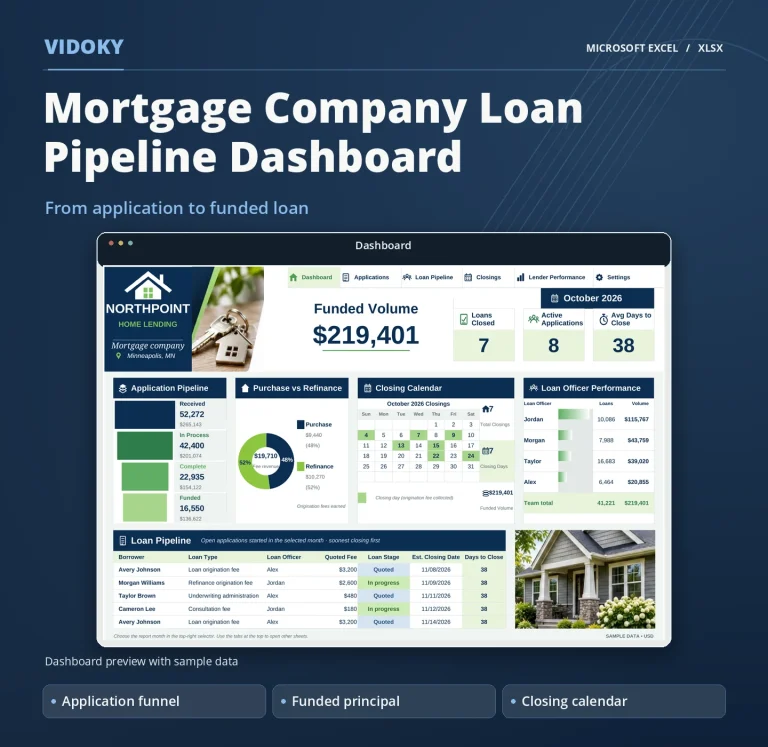
Mortgage Company Loan Pipeline Dashboard
What’s included
- One editable Excel workbook (.xlsx)
- DASHBOARD, MONTHLY CALENDAR and related worksheets
FITPRO combines a fitness dashboard and a monthly team calendar in one Excel workbook. It is designed for a studio owner, personal trainer or small fitness team that wants to keep progress figures close to appointments, project dates and the daily to-do list. The dashboard presents a selected month for review. Separate sheets give you a place to enter the records behind the calendar and to look at members, services, payments and equipment when you are planning the week.
Start the month with the team calendar
Choose a reporting month on DASHBOARD, then open MONTHLY CALENDAR to review the dates populated by your records. The calendar shows a week from Monday through Sunday. Enter or update due dates in TASKS, APPOINTMENTS and PROJECTS to place work on the right day. When an appointment changes, update the date on its source sheet, then look at the calendar to check the new position.
A coaching team can use this view to see the day's sessions alongside preparations for a workshop or member check-in. If two people share responsibility for a project, enter a task with a clear owner and date so the team knows whose work comes first. Keep meeting details in the appointment row where the team can find them again. Use the notes available in the workbook for the context you will need at the next planning session.
Review fitness progress in the dashboard
Open the dashboard's fitness area to see the progress information presented for the selected period. Use FITNESS DATA to enter the values you want to track, then review the trend and measurement panels for that month. The workbook includes training and body progress views, so choose the metrics that make sense for the records you have. Compare readings taken at a consistent interval and keep the date with each entry.
For example, you could use the workbook to compare activity and progress across several training weeks. Add each week's data to the appropriate sheet, open the reporting month and review the displayed trend. If one week is missing, check the log dates before reading an apparent change in the chart. Use INSIGHTS for an additional view and preserve the underlying date records when you make a copy for future months.
Bring the routine work into the same file
Use REMINDERS to check upcoming actions inside the workbook. The calendar's notes explain when those alerts update after opening or recalculating the spreadsheet. The TEAM, MEMBERS and SERVICES tabs give you separate areas for the people and offerings you work with. PAYMENTS and EXPENSES provide places to record money received and costs incurred. EQUIPMENT is available for equipment records you want close to planning and operations.
Before a team handover, open the month and verify the dates of sessions that span more than one week. Record the next action on the related task.
Start with the included sample month and open START HERE in desktop Microsoft Excel. Identify which fields each person on the team is responsible for maintaining. Save a working copy, choose your reporting month, then enter a short list of appointments and tasks to see how the calendar uses their dates. The ZIP contains the FITPRO XLSX with its fitness dashboard, scheduling tabs and in-workbook reminders.
Reviews
4.8 out of 5 · 12 reviews
This dashboard could anchor a short review of fitness sessions and highlight where to look more closely at team calendars and training schedules.
Practical idea for organising a review of fitness sessions.
The dashboard format makes sense for fitness sessions.
A practical starting point for fitness sessions.
Good dashboard idea for reviewing team calendars and training schedules.