
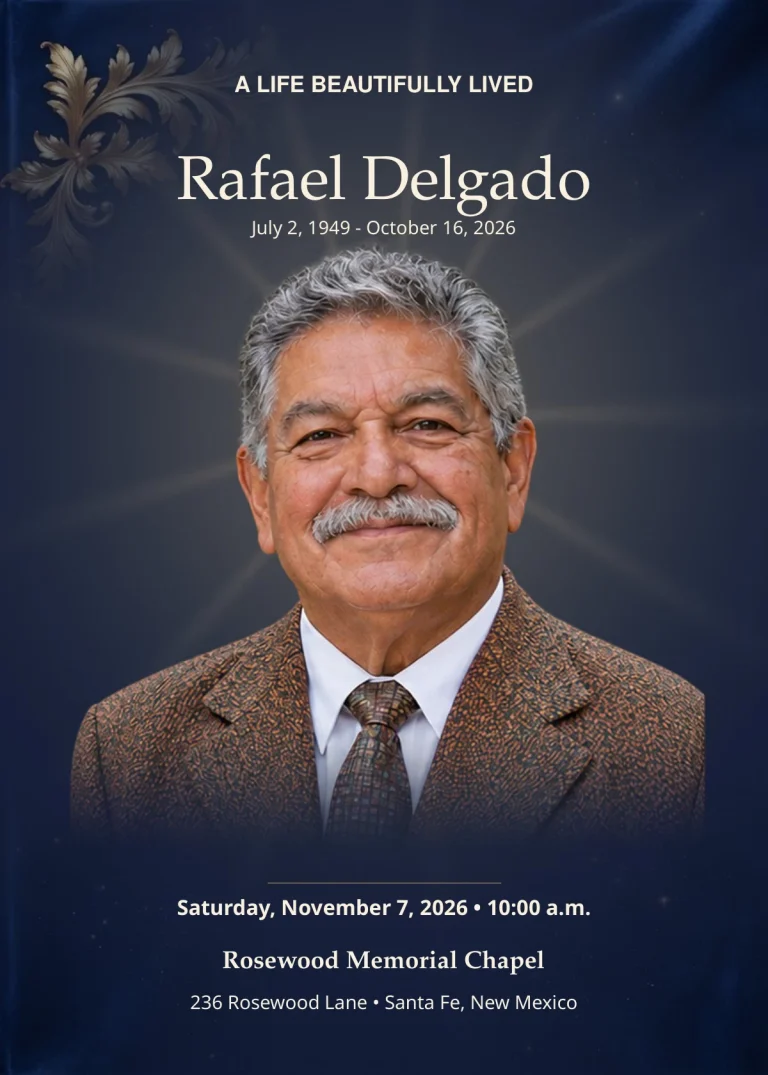
Funeral Announcements
Comparison price $3.65$2.99 18% off
↗
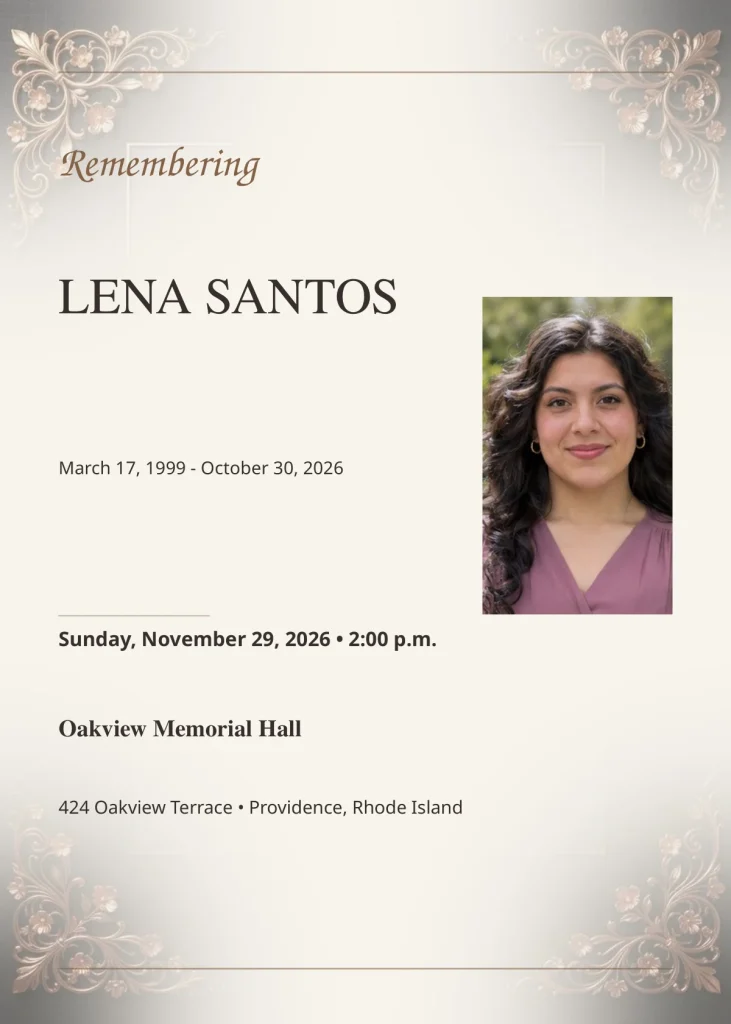
Preview shows both sides of the card with sample wording. Replace the names, dates and text in the editable files.
Bronze Heirloom Funeral Announcement Template
- ▤ PDF + DOC + PPTX
- ↓ Instant download
Heirloom typography layout with editable service details in the Bronze Heirloom design.
Watch the video
Watch the portrait, name, date and venue change in the editing demo.
This public video is a demonstration. Your paid files are delivered after payment.
You may also like
Browse the shop ↗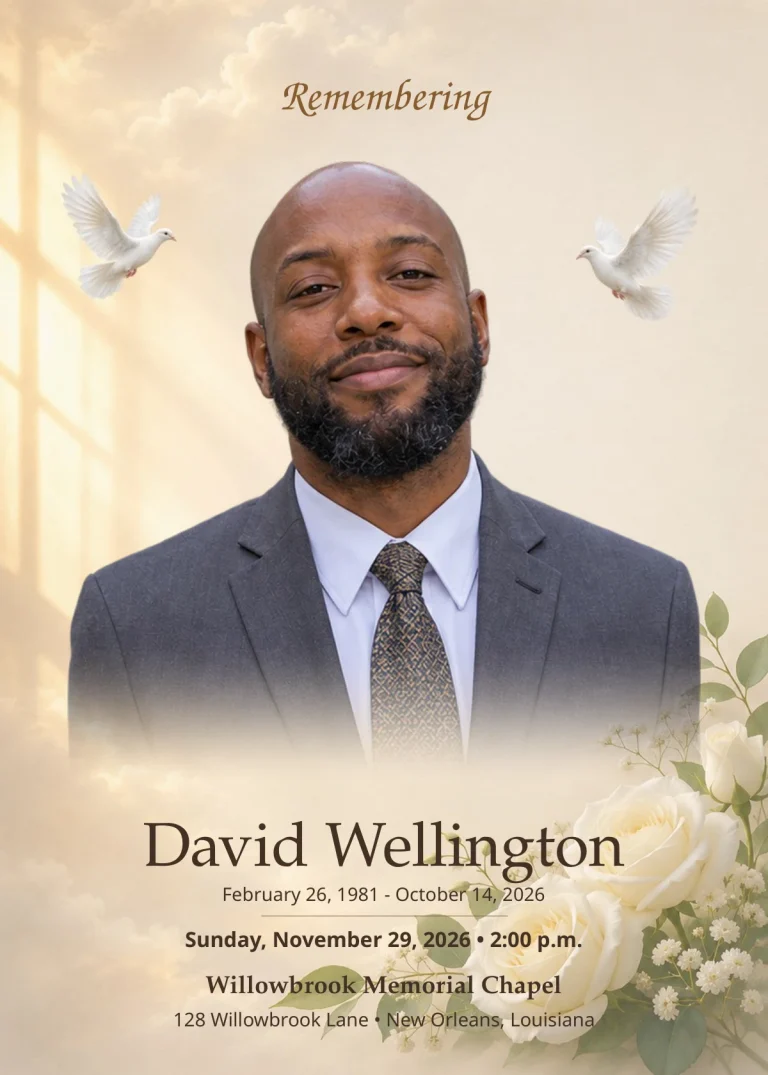
Funeral Announcements
Comparison price $4.13$2.99 27% off
↗
Clouds of Peace Funeral Announcement Template
Funeral Announcements
Comparison price $4.04$2.99 25% off
↗
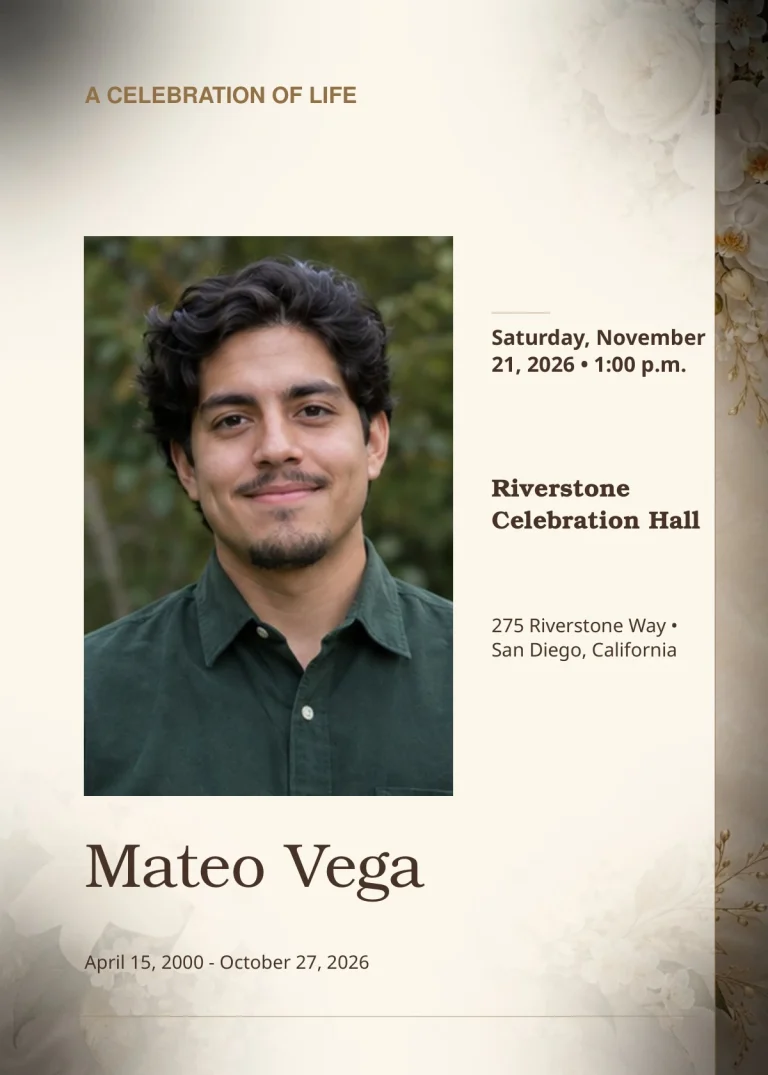
Warm Ivory Light Funeral Announcement Template
What’s included
- 5 × 7 inch print PDF
- Editable Word DOC
- Editable PowerPoint PPTX
- Fonts and editing guide
Bronze Heirloom is an editable 5 × 7 inch funeral announcement for a memorial service or celebration of life. A large name receives most of the upper space. A compact picture beside the wording leaves a wider open area for the ceremony details.
Photo and service layout
For Bronze Heirloom, prepare the photograph and the information that guests will need in advance. The service details are placed above the photograph, where the day, time, venue and address can be checked together. The name and life dates have separate editable lines. The sample wording and fictional pictures show how those details fit on the page. Review the face and the smaller details together so the photograph feels balanced at the final size.
Prepare a notice for several groups of guests
Use one version as the main announcement so the family, venue and anyone helping to share it are working with the same details. If a later update is needed, edit the working file and export a fresh copy with the corrected information. Keep the main ceremony time near the venue name and put any note about gathering afterward on a separate line only if it fits. The same basic layout can be used when details are shared digitally.
Choose a clear portrait
A sharp photograph in even light is a good starting point. Decide which part of the clothing and shoulders you want to keep visible before cropping. Inspect the face in the full page view and again at the size the finished card will be seen. The eye line and the edges of the picture should still look natural after the image is fitted.
Start from the editable file
Install the supplied fonts and open the DOC in desktop Word or the PPTX in desktop PowerPoint. Save a copy and replace the sample wording before you make any changes to the artwork. Select the picture as a separate element, choose your photo and review its placement. Export a fresh PDF when the name and service details are ready.
Files in the download
You receive a PDF with the announcement set out at its intended print size, plus the editable DOC and PPTX for the same design. The files include an example portrait, heading, name, life dates and ceremony details. The folder also includes the fonts used in the design and a short guide to opening and personalizing it. Use the print PDF as a layout reference when making your own finished version.
Check the announcement before sharing
Confirm the spelling of the name and the wording of the life dates, then check the event date against the time and venue. Ask the person coordinating the gathering to review the finished card. Inspect the picture and details at the size guests will see. Save one approved PDF for sharing and keep the editable source nearby in case the venue or time changes.
Review the personalized design
Use the Bronze Heirloom gallery image as a reference while you review the edited file. Compare the picture and wording at full size, then look at a small proof to confirm that the name and service location are still easy to read. Make final changes in the editable file before exporting the version you intend to share.
Reviews
5.0 out of 5 · 3 reviews
Kofi · India
Bronze Heirloom is a thoughtful theme for a memorial notice with the date and venue.
Mason · Netherlands
Bronze Heirloom suits a notice with a short remembrance. A single sentence from the family could make the wording more personal.
Joseph · Singapore
Gentle tone.