
Sewing & Tailoring
Comparison price $2.65$1.99 24% off
↗
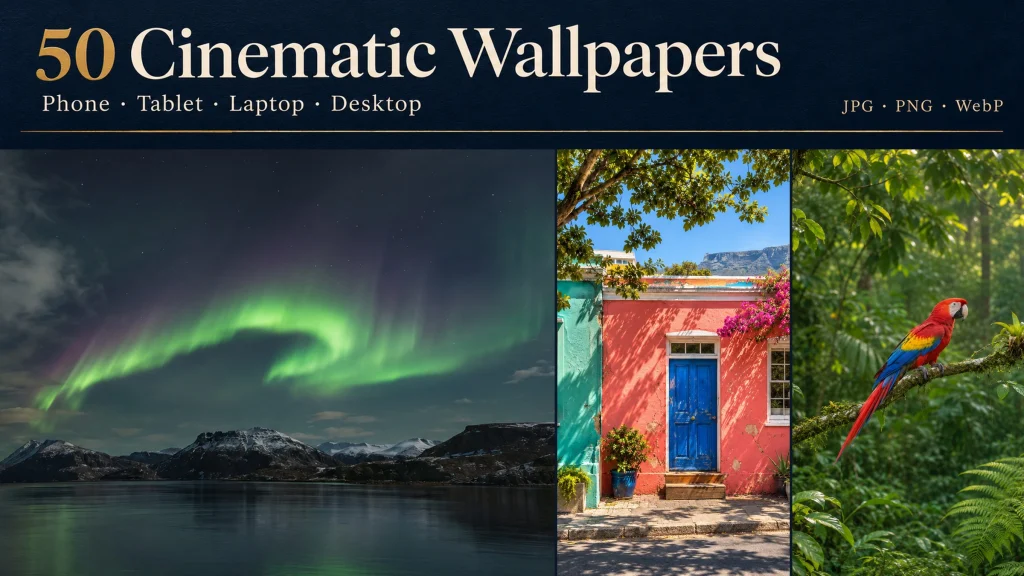
Preview is illustrative. The exact layout and content are in the downloaded files.
50 Cinematic Wallpapers for Phone, Tablet, Laptop & Desktop
- ▤ JPG, PNG, WebP
- ↓ Instant download
- ↻ Two-sided preview
50 scenic wallpaper designs for phones, tablets, laptops and desktops. Includes 4K and ultrawide JPG exports, plus PNG and WebP versions.
Watch the video
See how to choose a design, switch screen sizes and preview your wallpaper.
This public video is a demonstration. Your paid files are delivered after payment.
You may also like
Browse the shop ↗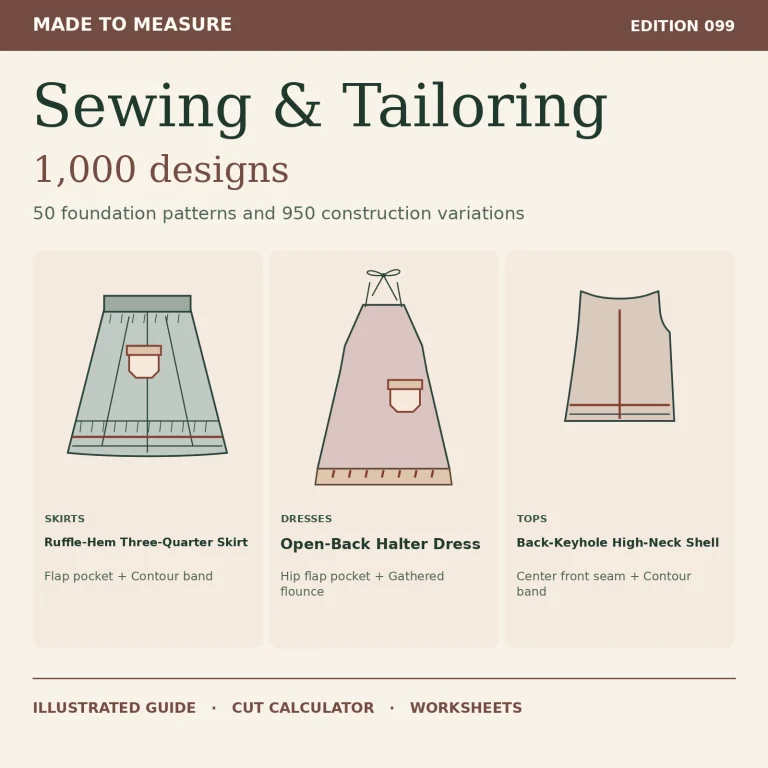
Sewing & Tailoring
Comparison price $2.55$1.99 21% off
↗
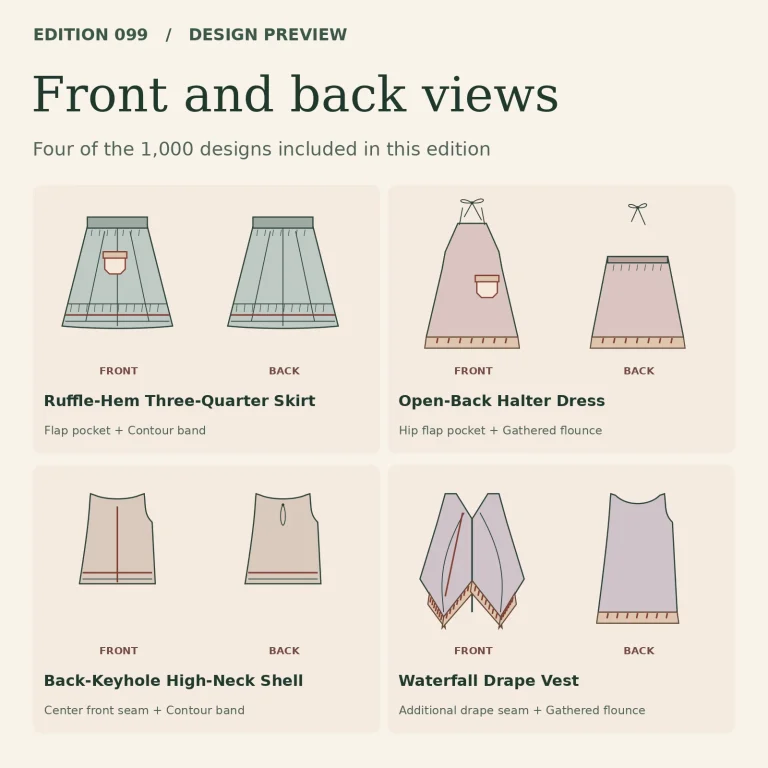
Made to Measure | 1,000 Sewing Designs | Edition 099
Sewing & Tailoring
Comparison price $2.45$1.99 18% off
↗
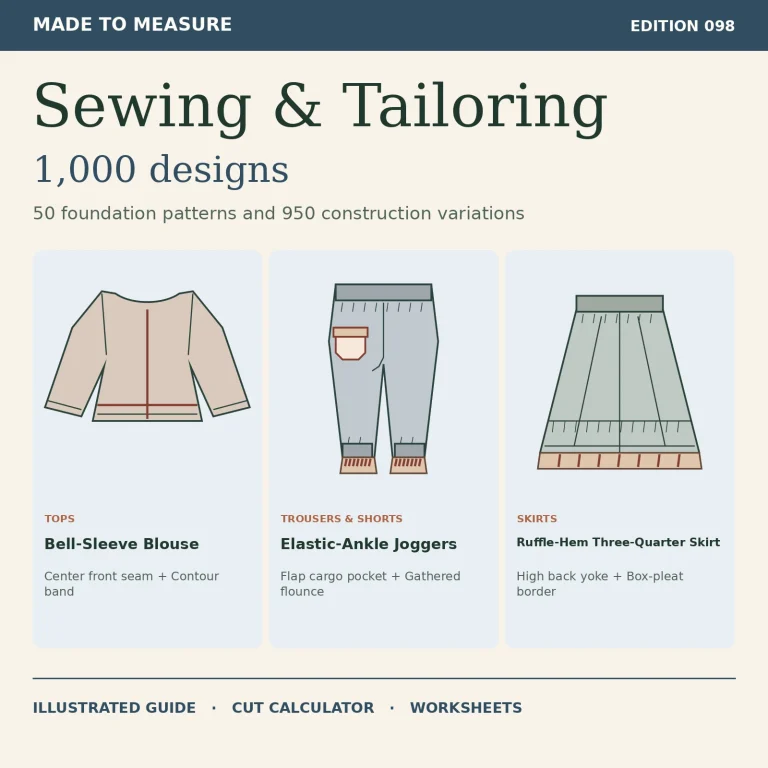
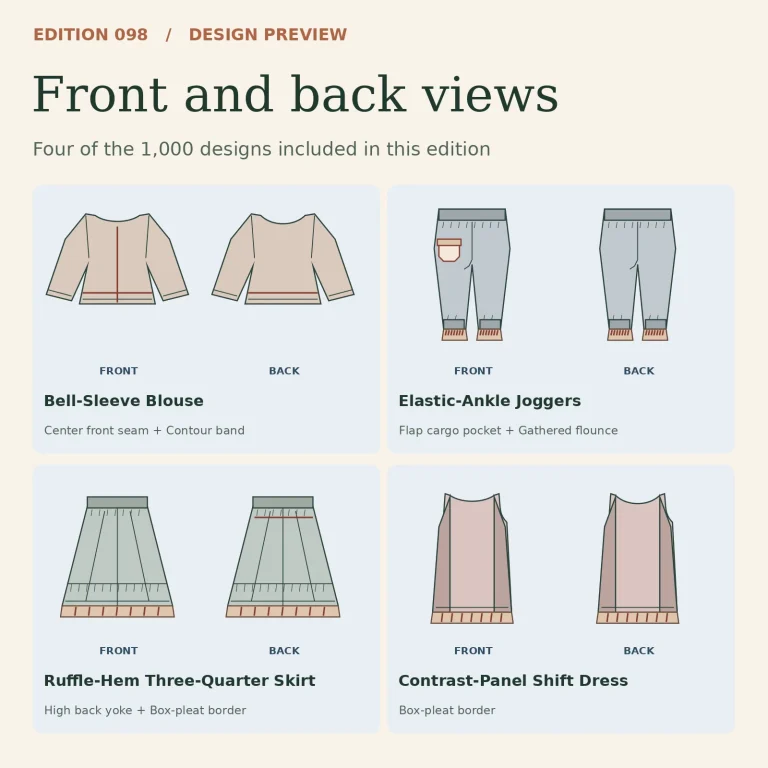
Made to Measure | 1,000 Sewing Designs | Edition 098
What’s included
- 50 distinct wallpapers
- 8 JPG screen sizes
- 4 PNG and 4 WebP screen sizes
- 800 image files
- Artwork index and setup guide
50 cinematic images for the screens you use every day
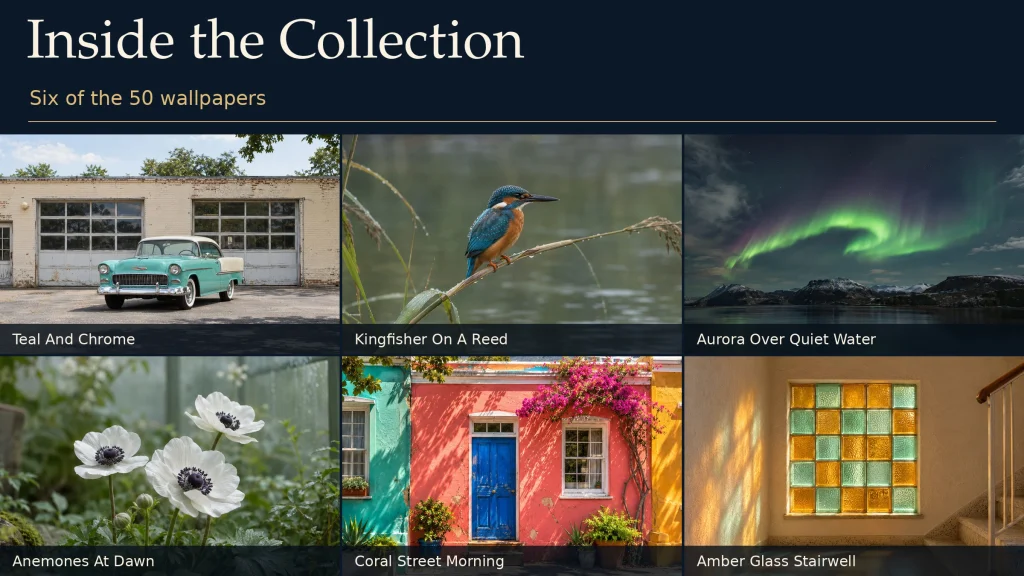
Refresh your phone, tablet, laptop, or desktop with 50 distinct wallpaper designs in one digital collection. The artwork moves between colorful city streets, restored vintage cars, quiet wildlife scenes, flowers after rain, night skies, and landscapes with room to breathe. Try the glow of Aurora Over Quiet Water for an evening desktop, the pink buildings of Coral Street Morning for a bright laptop, or Scarlet in the Canopy for a striking phone background. Each design has the same number across its different files, making it easy to find a matching version when you move to another screen.
Choose the size that fits your device
The collection contains eight JPG profiles per design. They cover both standard and tall phones, portrait and landscape tablets, a 16:10 laptop, a Full HD desktop or laptop, a 4K desktop, and an ultrawide monitor. If you use a large external display during the day and a smaller laptop at home, you can use the same picture on both. The image files are arranged by size and the dimensions appear in the folder names. Screen sizes in this collection are pixel dimensions. Two devices can have different physical dimensions and still use the same wallpaper file.
Three image formats
Start with JPG if you want a wallpaper for a specific screen shape or want the 4K and ultrawide options. PNG and WebP each include phone, landscape tablet, laptop, and desktop sets. The PNG versions use smaller screen sizes and preserve their exported color values. WebP offers another picture format if your device or software accepts it. Each format contains all 50 designs. The total of 800 image files is made up of the screen-size and format versions of those designs.
| Screen | Format | Pixels |
|---|---|---|
| Phone 9:16 | JPG | 1080 × 1920 |
| Phone 9:16 | PNG | 720 × 1280 |
| Phone 9:16 | WebP | 1080 × 1920 |
| Tall phone | JPG | 1440 × 3120 |
| Landscape tablet | JPG | 2732 × 2048 |
| Landscape tablet | PNG | 960 × 720 |
| Landscape tablet | WebP | 1600 × 1200 |
| Portrait tablet | JPG | 2048 × 2732 |
| Laptop 16:10 | JPG | 2560 × 1600 |
| Laptop 16:10 | PNG | 960 × 600 |
| Laptop 16:10 | WebP | 1920 × 1200 |
| Desktop and laptop Full HD | JPG | 1920 × 1080 |
| Desktop and laptop Full HD | PNG | 1024 × 576 |
| Desktop and laptop Full HD | WebP | 1920 × 1080 |
| 4K desktop | JPG | 3840 × 2160 |
| Ultrawide desktop | JPG | 3440 × 1440 |
Set your wallpaper
Download the ZIP for your device and format, then extract it to an ordinary folder. Open that folder and use the file names or thumbnails to find a picture. Use your device’s wallpaper or background settings to select the image and check the preview. If the preview trims an important detail, try another size that is closer to the shape of your screen. The tall phone files give narrow lock screens more vertical room. A landscape tablet and a wide monitor need different proportions, even if you want the same scene on both. The listing video shows an example of choosing a design, switching screen sizes, and previewing the wallpaper before applying it.
Find a design that suits your layout
Think about what else appears on the screen. An open landscape or a dark sky can make a clock or desktop icons easier to find. If your home screen feels busy, try a picture with simple shapes and quieter colors. For a device that shows the wallpaper more prominently, try the stronger colors of the macaw, the vintage car set, or a sunlit street. Use the included artwork index to find scenes by title and theme. Matching design numbers let you keep a consistent look across devices or build a small rotation of your favorites.
What you receive
The purchase includes labelled digital ZIP downloads, with files arranged by device and format. An index and short setup guide are inside each download. The artwork is AI-generated. Larger exports, including 4K, are resized versions of the source artwork. Use the dimensions above to choose the appropriate file for your display. This is a digital wallpaper collection for use as device backgrounds.