
Independent Business Managers
Comparison price $15.00$9.99 33% off
↗
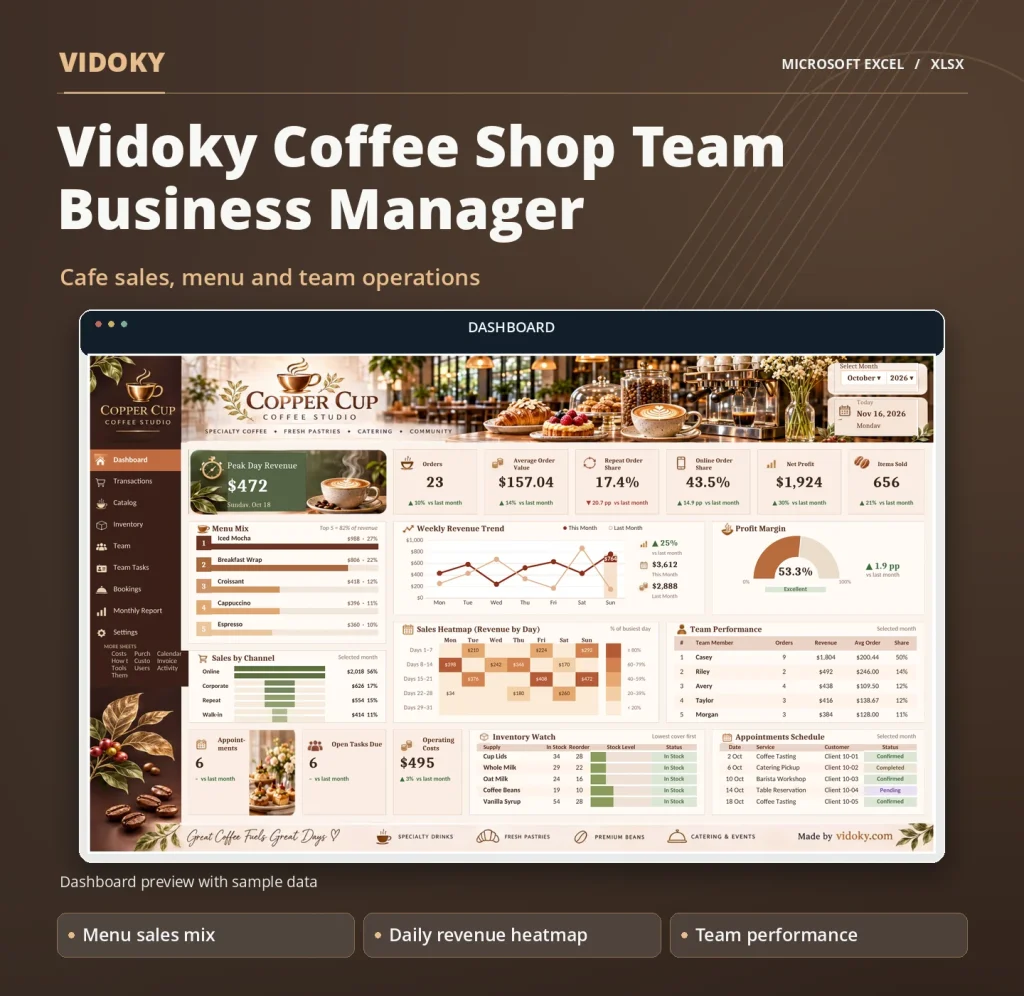
Preview is illustrative with fictional sample data. Open the downloaded workbook in desktop Microsoft Excel for the full, live version.
Vidoky Coffee Shop Team Business Manager
- ▤ XLSX
- ↓ Instant download
Review cafe revenue, menu mix, stock, team activity and bookings with this Excel workbook for independent coffee shops.
Watch the video
Preview the DASHBOARD and Transactions worksheets with sample data.
This public video is a demonstration. Your paid files are delivered after payment.
You may also like
Browse the shop ↗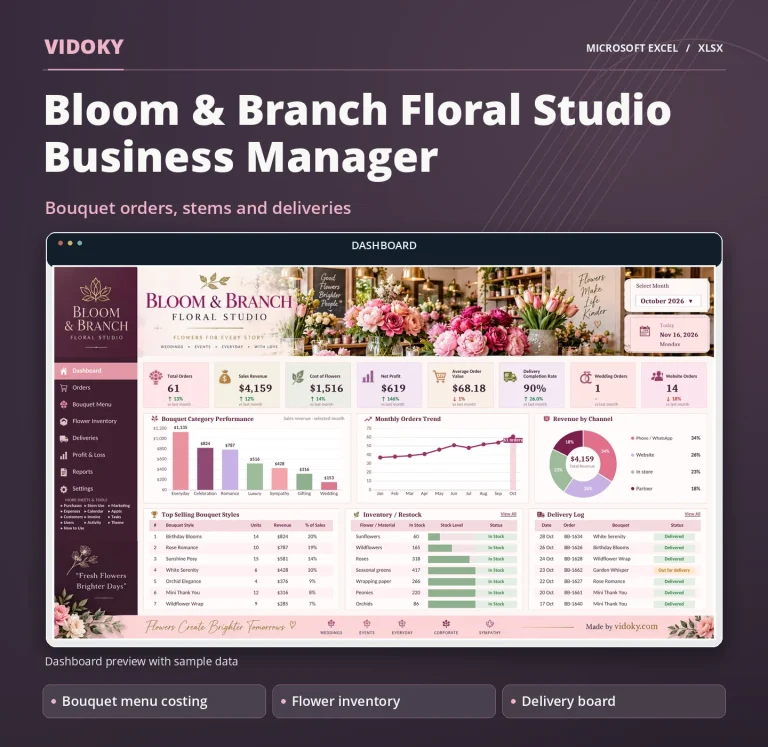
Independent Business Managers
Comparison price $15.00$9.99 33% off
↗
Bloom & Branch Floral Studio Business Manager

Independent Business Managers
Comparison price $15.00$9.99 33% off
↗
AquaGloss Car Wash Business Manager
What’s included
- One editable Excel workbook (.xlsx)
- DASHBOARD, Transactions and related worksheets
The Vidoky Coffee Shop Team Business Manager is an Excel workbook for owners and shift leads who want to review what sold, which parts of the menu earned revenue and how the team handled the selected month. Its dashboard combines cafe sales, repeat and online order shares, profit margin and a daily sales heatmap. Working sheets cover transactions, costs, stock, bookings and team activity, so you can open the worksheet that holds the original records when a number needs checking.
Record the sale with the details you want to review
Start with Transactions. Enter the date, invoice reference, product or service, quantity, unit price and unit cost, along with a team member or channel where useful. Review the workbook's calculated revenue and cost of goods columns as you enter the first few sales. Make sure the unit you track matches the transaction. For example, a single pastry and a tray of pastries need names and quantities that reflect how you sell them.
Use Catalog to keep products and services easy to identify. Consistent product names help when you compare a seasonal drink to your regular menu. Keep the data you enter on each sale focused on the details you use for reviews. A clear invoice reference and payment field can save time when you trace a transaction later. Record purchases and operating costs on their sheets and review Inventory before planning your next order.
Spot patterns in the selected month
Use the Dashboard month selector to look at peak day revenue, orders, average order value, items sold and net profit. Menu Mix shows how the shop's offering contributes to sales. The weekly revenue view supports comparisons over the month, while the sales heatmap gives you a quick way to see which days account for a larger share of revenue.
If you run a weekend special, record the sales with the same descriptive menu name each day. Open the selected month and compare the sales heatmap with the Menu Mix and profit margin views. Then check Transactions and Costs to see if the higher activity was driven by more sales, a higher basket value or a more expensive product mix. When you review that information together, you can plan the next special with a clearer idea of the stock and staffing it requires.
Manage a cafe with bookings and more than one shift
Use Bookings for dates, customers, staff, times and service details. This can be useful for a tasting, workshop or group booking that requires more preparation than a normal counter order. Keep related work on Team Tasks and assignments on Team. The Calendar makes it easier to look forward at deadlines and service bookings during a busy month. Check Customers or Invoice when a booking needs an account reference or a written charge.
When a new staff member starts entering orders, check their first few records against the source receipt. A shared entry routine gives the team a cleaner monthly view.
The workbook includes a Monthly Report and a START HERE sheet. Explore the supplied sample month in desktop Microsoft Excel, then save a working copy and decide how you will handle transaction labels, menu names and repeat customers. The download gives you the original XLSX in one ZIP for your shop records.
Reviews
5.0 out of 5 · 4 reviews
Chloe · United Kingdom
Good tracker.
Ethan · Canada
This tracker fits a routine check of shift coverage and service times.
James · United Kingdom
Useful tracker concept for putting coffee shop staffing in one place.
Eric · Denmark
The tracker is pitched at a specific use. For coffee shop staffing, a repeatable check on shift coverage and service times would be valuable.