

Funeral Announcements
Comparison price $4.13$2.99 27% off
↗
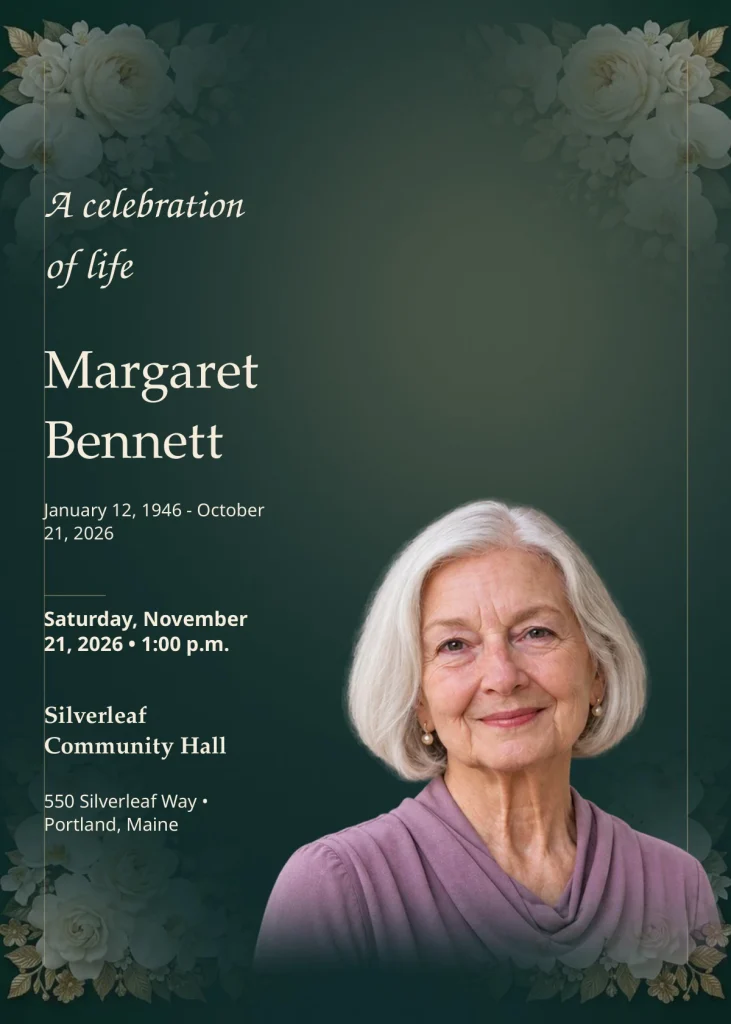
Preview shows both sides of the card with sample wording. Replace the names, dates and text in the editable files.
Emerald Floral Border Funeral Announcement Template
- ▤ PDF + DOC + PPTX
- ↓ Instant download
Golden light portrait layout with editable service details in the Emerald Floral Border design.
Watch the video
Watch the portrait, name, date and venue change in the editing demo.
This public video is a demonstration. Your paid files are delivered after payment.
You may also like
Browse the shop ↗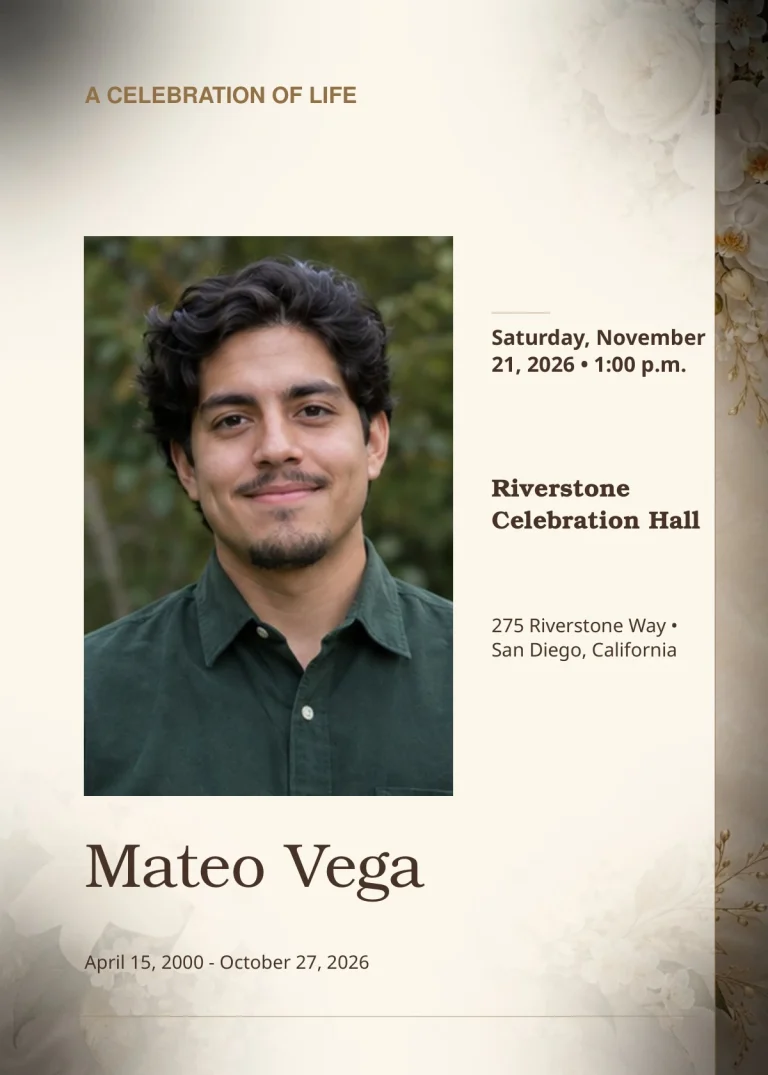
Funeral Announcements
Comparison price $4.04$2.99 25% off
↗
Warm Ivory Light Funeral Announcement Template
Funeral Announcements
Comparison price $3.95$2.99 24% off
↗
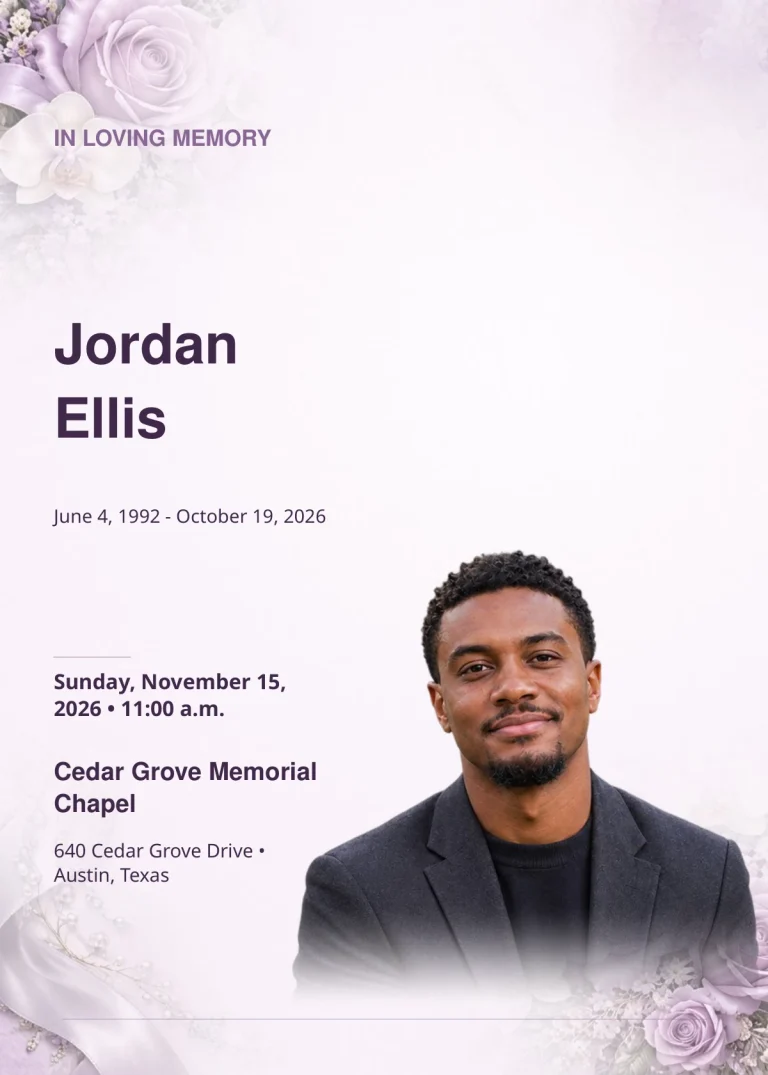
Lavender Remembrance Funeral Announcement Template
What’s included
- 5 × 7 inch print PDF
- Editable Word DOC
- Editable PowerPoint PPTX
- Fonts and editing guide
Emerald Floral Border is an editable 5 × 7 inch funeral announcement for a memorial service or celebration of life. The large portrait and the information share the page side by side. A warm highlight behind the person provides separation and keeps the portrait free of a visible frame. The picture and type are balanced from the opposite edge in this edition.
Photo and service layout
For Emerald Floral Border, prepare the photograph and the information that guests will need in advance. The service details are placed beside the portrait, where the day, time, venue and address can be checked together. The name and life dates have separate editable lines. The sample wording and fictional pictures show how those details fit on the page. The tall picture area favors a portrait with space around the shoulders and above the head.
Use the name and dates as the focal point
Type the name as the family wants it to appear in public, including a middle name or initial if appropriate. The name line can be adjusted for a longer surname. The smaller line below it is a useful place to keep the birth and death dates together. Give the event time a separate line from those dates. That distinction helps readers recognize the service date without confusing it with the life dates.
Choose a silhouette that fits the page
A chest-up portrait works well for the large figure. Use a transparent PNG and inspect the face, hands and hair against the surrounding colors. When a new image has a different shape, use the handles to position it so the line of the shoulders stays clear of the venue and date. Review the card at a smaller size before sharing it.
Follow the editing demo
The included listing video shows a sample portrait being selected and replaced. The name, date and venue are updated on screen, and the finished edit is saved as a separate PowerPoint copy. Follow the same sequence with your own photograph and event information. The DOC gives you a Word version of the layout with editable text and selectable pictures.
Files in the download
You receive a PDF with the announcement set out at its intended print size, plus the editable DOC and PPTX for the same design. The files include an example portrait, heading, name, life dates and ceremony details. The folder also includes the fonts used in the design and a short guide to opening and personalizing it. Use the print PDF as a layout reference when making your own finished version.
Check the announcement before sharing
Confirm the spelling of the name and the wording of the life dates, then check the event date against the time and venue. Ask the person coordinating the gathering to review the finished card. Inspect the picture and details at the size guests will see. Save one approved PDF for sharing and keep the editable source nearby in case the venue or time changes.
Review the personalized design
Use the Emerald Floral Border gallery image as a reference while you review the edited file. Compare the picture and wording at full size, then look at a small proof to confirm that the name and service location are still easy to read. Make final changes in the editable file before exporting the version you intend to share.
Reviews
5.0 out of 5 · 22 reviews
Isabella · Ireland
Emerald Floral Border is a thoughtful theme for a quiet service announcement.
Nia · Netherlands
The Emerald Floral Border look suits a thoughtful funeral announcement.
Mercy · Denmark
Emerald Floral Border is a dignified theme for a funeral announcement for family and friends.
Thandi · France
Emerald Floral Border suits a quiet service announcement. Keep the service date, time and venue easy to find.
Gabriel · Germany
Emerald Floral Border is a dignified theme for a memorial notice with the date and venue.